Best AI Translation Tools in 2026: Top 7 Solutions for Accurate Multilingual Communication
In this guide, we compare the 7 best AI translation tools of 2026, evaluating them on translation quality, language coverage, features, integrations, and pricing — so you can find the solution that keeps your multilingual communication accurate and effortless.

The AI translation market is projected to reach $23.53 billion by 2032 according to SNS Insider report, and for good reason. Businesses are going global, remote teams span continents, and content creators need to reach audiences in dozens of different languages. But here's the problem: not every translation tool delivers the same results, and picking the wrong one can mean awkward phrasing, lost context, or worse-mistranslated legal documents.
We tested and compared the top AI translation tools available right now to help you find the right fit for your workflow. Whether you need to automatically translate text for a marketing campaign, handle document translation for a legal team, or run real-time multilingual communication during a video call, this guide breaks down the seven best options and exactly what makes each one worth your attention.
Let's get into it.
How We Chose the Best AI Translation Tools
Picking the best AI translation tools isn't as simple as running a sentence through each one and seeing which "sounds right." We used a structured set of criteria grounded in recent academic research, real-world benchmarks, and practical testing to evaluate each tool on this list.
Here's what we looked at:
Translation accuracy across multiple language pairs and content types
Translation accuracy is the foundation. We evaluated tools against published research, including studies that compared machine translation engines head-to-head. For example, a 2025 study published in Procedia Computer Science compared ChatGPT Translate, Gemini, Copilot, and DeepSeek on literary translation, and found that no single model dominated across all content types. Gemini scored highest on informal text (BLEU ~0.59), while ChatGPT Translate and DeepSeek performed best on formal and idiomatic expressions. This confirmed what we already suspected: the best tool depends on the type of content you're translating.
Advanced AI models better grasp idiomatic phrases and context than their predecessors, but potential limitations of AI translation tools include a lack of nuance in formal writing. Contextual understanding is vital for producing more natural-sounding translations, so we weighted this heavily.
Speed and real-time translation capabilities
AI translation tools can process large volumes of text instantly, but speed varies dramatically between platforms. DeepL's "Arion" infrastructure, built with NVIDIA DGX systems, achieved a nearly 10× speedup-translating the entire Oxford English Dictionary dropped from 39 seconds to just 3.72 seconds. Leading AI translation tools also prioritize live, conversational translation for meetings and calls.
Language support breadth and quality
Some tools support over 150 languages, while others focus on fewer language pairs but deliver higher quality output. There's always a trade-off between breadth and depth. Google Translate supports the most languages overall, but tools like DeepL deliver superior results for European languages. We assessed both language coverage and consistency of quality across those languages.
File format compatibility and document preservation
Translating structured documents-PDFs, PowerPoint decks, DOCX files-means nothing if the formatting breaks. We evaluated formatting preservation capabilities, including how well each tool handles headers, tables, images, and layout during document translation.
Privacy and data security features
For anyone translating sensitive content, privacy matters. We checked whether tools store user data, whether translations feed into model training, and whether enterprise-grade encryption and compliance standards (like GDPR) are supported. Pairaphrase, for instance, supports HIPAA, GDPR, and ISO 27001 compliance-setting a high bar for privacy standards.
Integration capabilities with existing workflows
The best translation tools don't exist in isolation. We assessed how well each tool plugs into existing workflows-whether that's a Microsoft 365 suite, a CMS, or a localization platform.
Pricing transparency and value for different user types
We compared free tier offerings, paid plans, and credit-based models to determine which tools offer the best value for individuals, small teams, and enterprise users.
User interface and ease of use
A powerful tool that's confusing to use is a tool that won't get used. We considered the learning curve for each platform.
Advanced features like tone control and terminology management
AI translation tools are shifting towards contextual understanding and specialized terminology. Features like style guides, glossary enforcement, tone adjustment, and translation memory are increasingly important for teams that need to maintain consistent terminology and brand voice across translation projects.
AI tools ensure consistency in the use of specialized terms throughout documents, and tools with these features scored higher in our evaluation.
Top 7 AI Translation Tools for 2026
Here are the seven tools that stood out across our evaluation criteria, starting with the most versatile option for quality-focused translation.
1. MixTranslate
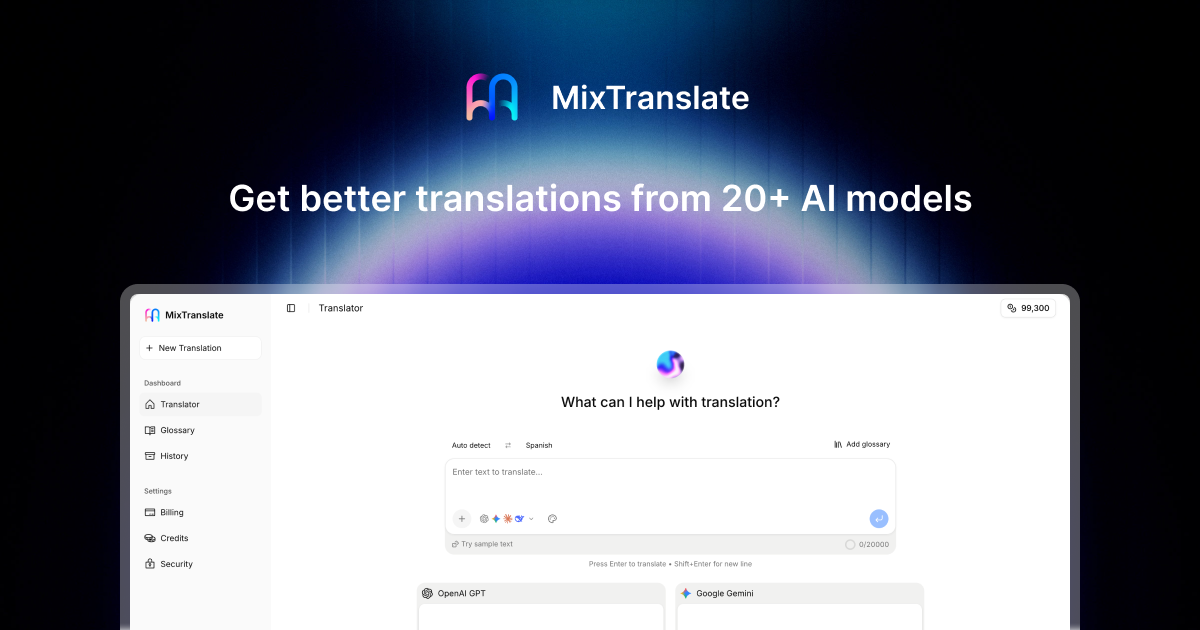
MixTranslate takes a fundamentally different approach to AI translation. Instead of relying on a single neural machine translation engine, it connects your input to 20+ AI and large language models-including ChatGPT Translate, Claude, Gemini, and DeepSeek-and lets you compare all outputs side by side. MixTranslate offers translation in 150+ languages and compares outputs from multiple AI models, making it the closest thing to having a panel of professional translators evaluate your text simultaneously.
Why It Stands Out
Most translation tools give you one output and hope for the best. MixTranslate gives you multiple outputs and autosuggests which translation best fits your tone and context. This is a significant advantage because, as research consistently shows, no single AI model outperforms all others across every content type and language pair.
Think of it this way: if Gemini handles your informal social media copy better but ChatGPT Translate nails your formal business correspondence, MixTranslate lets you see both results and pick the winner. The platform claims roughly 45% time savings compared to manually copying and pasting through multiple tools-which is a realistic estimate if you've ever bounced between three browser tabs trying to get a translation right.
Best For
Content creators and marketing teams who need tone control and quality comparison across translation tasks. Also well-suited for documentation writers and support teams who want to keep brand voice consistent across multiple languages.
Key Strengths
- Multi-model comparison: Access outputs from 20+ AI models including ChatGPT Translate, Claude, Gemini, and DeepSeek, all from a single input. This makes MixTranslate function as an AI translation agent that orchestrates multiple machine translation engines.
- Tone and style adjustment: MixTranslate allows tone and style control during translation, letting you specify whether output should be formal, casual, technical, or marketing-oriented.
- Terminology consistency: Set preferred terms through the glossary feature and those terms apply across every translation, helping you maintain consistent terminology for domain specific terminology.
- Strong privacy policy: MixTranslate claims strong data privacy with user translations not stored. The platform does not store translations for model training, which addresses a major concern for teams handling sensitive content.
- Image text extraction: Image-to-text translation extracts text from images for translation, and MixTranslate supports this for screenshots, scans, and photos-eliminating the need for manual transcription. Image-to-text translation tools can handle scanned documents, making this feature useful for printed materials and legacy content.
- Clear quality metrics: Each translation comes with scoring that helps you evaluate translation quality objectively rather than relying on gut feeling.
Possible Limitations
- The credit-based pricing model may not suit unlimited use cases. Users receive free credits to start translating (around 10,000 welcome credits plus up to 100,000 monthly credits), which is generous for most individual and small-team workflows but may require upgrades for very high-volume operations.
- As a newer platform compared to established competitors like DeepL and Google Translate, it has fewer published independent benchmark comparisons-though the multi-model approach inherently leverages the strengths of well-benchmarked engines.
2. DeepL
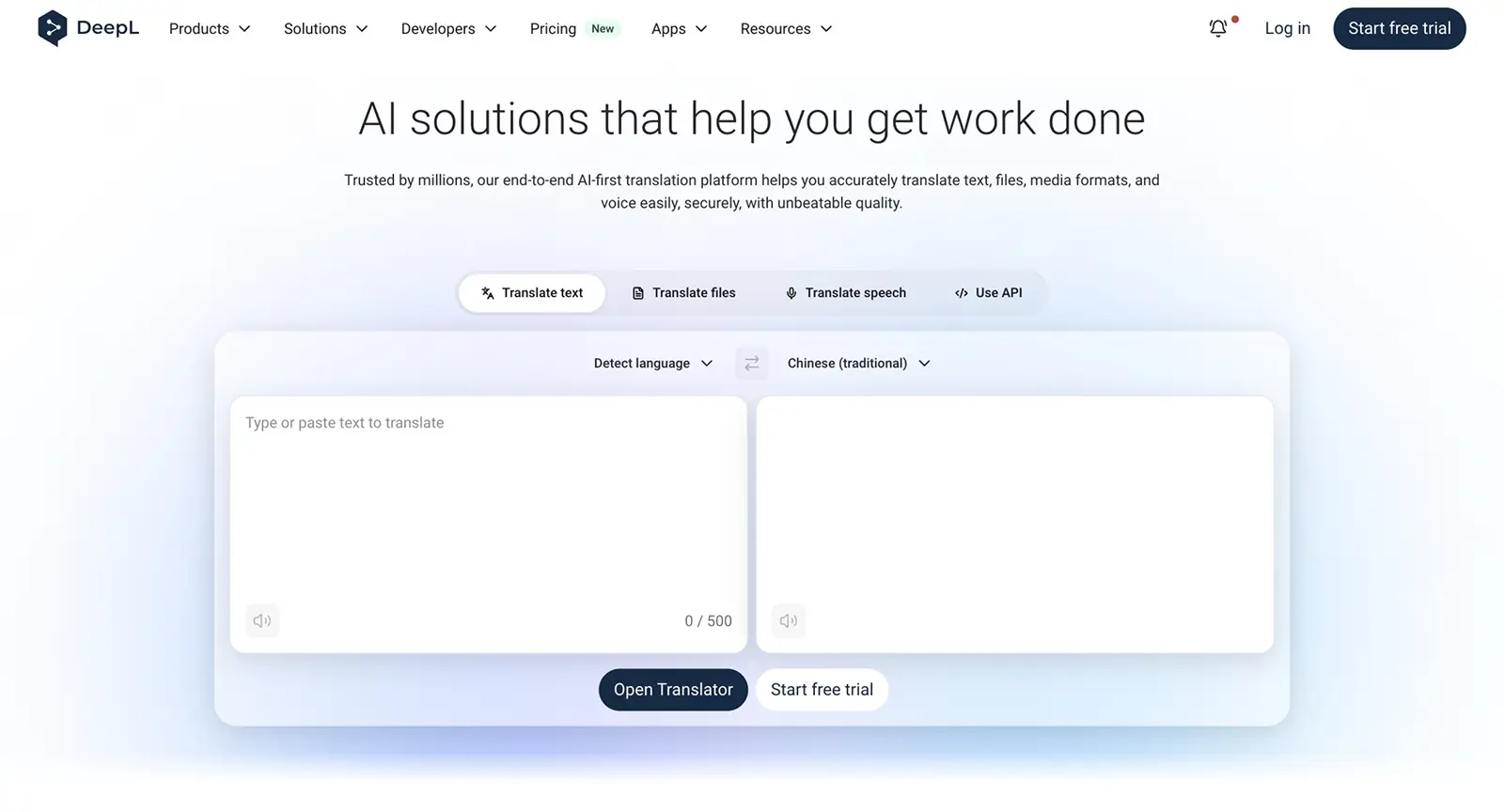
DeepL has built its reputation on one thing: producing natural sounding translations that read like a human wrote them. For European languages especially, it consistently outperforms competitors in fluency and contextual accuracy.
Why It Stands Out
Where many machine translation tools produce output that's technically correct but stilted, DeepL captures context and nuances for natural translations. DeepL scores 4.9/5 for translation accuracy and nuance in comparative evaluations-a number that reflects what most users experience firsthand.
In a comparative study with EFL students, DeepL was consistently rated higher than Google Translate for naturalness, grammar, context understanding, and terminology in academic texts. It's the kind of tool where the output often needs minimal editing, which is why professional translators frequently use it as a starting point.
Best For
Professional translators, businesses, and anyone prioritizing translation fluency over language variety-especially when working with European languages.
Key Strengths
- Superior accuracy for European language pairs: DeepL is preferred for natural-sounding output in European languages and is preferred for fluent translations in European languages. Multiple independent evaluations confirm it leads in output quality for these pairs.
- Excellent handling of idiomatic expressions: The tool handles idioms and culturally loaded phrases better than most competitors, producing accurate translation output that doesn't sound robotic.
- Document translation with formatting preservation: DeepL supports document translation with layout preservation across common file formats. DeepL's free plan allows up to 3 documents per month, making it accessible for occasional professional use.
- Image translation: DeepL offers image translation that supports BMP, PNG, JPG, TIFF, and GIF formats-with Pro plans enabling custom glossaries even for image-based text.
- Privacy focus: DeepL is preferred for its natural-sounding translations and privacy. Pro plans delete data after translation, adding a layer of security for business users.
Possible Limitations
- DeepL supports 100+ languages and is preferred for European translation, its accuracy drops for non-European languages. If you work with less common target languages, this may be a dealbreaker.
- Advanced features like glossaries, tone control, and higher document limits are locked behind paid plans, which can get expensive for teams.
3. Google Translate
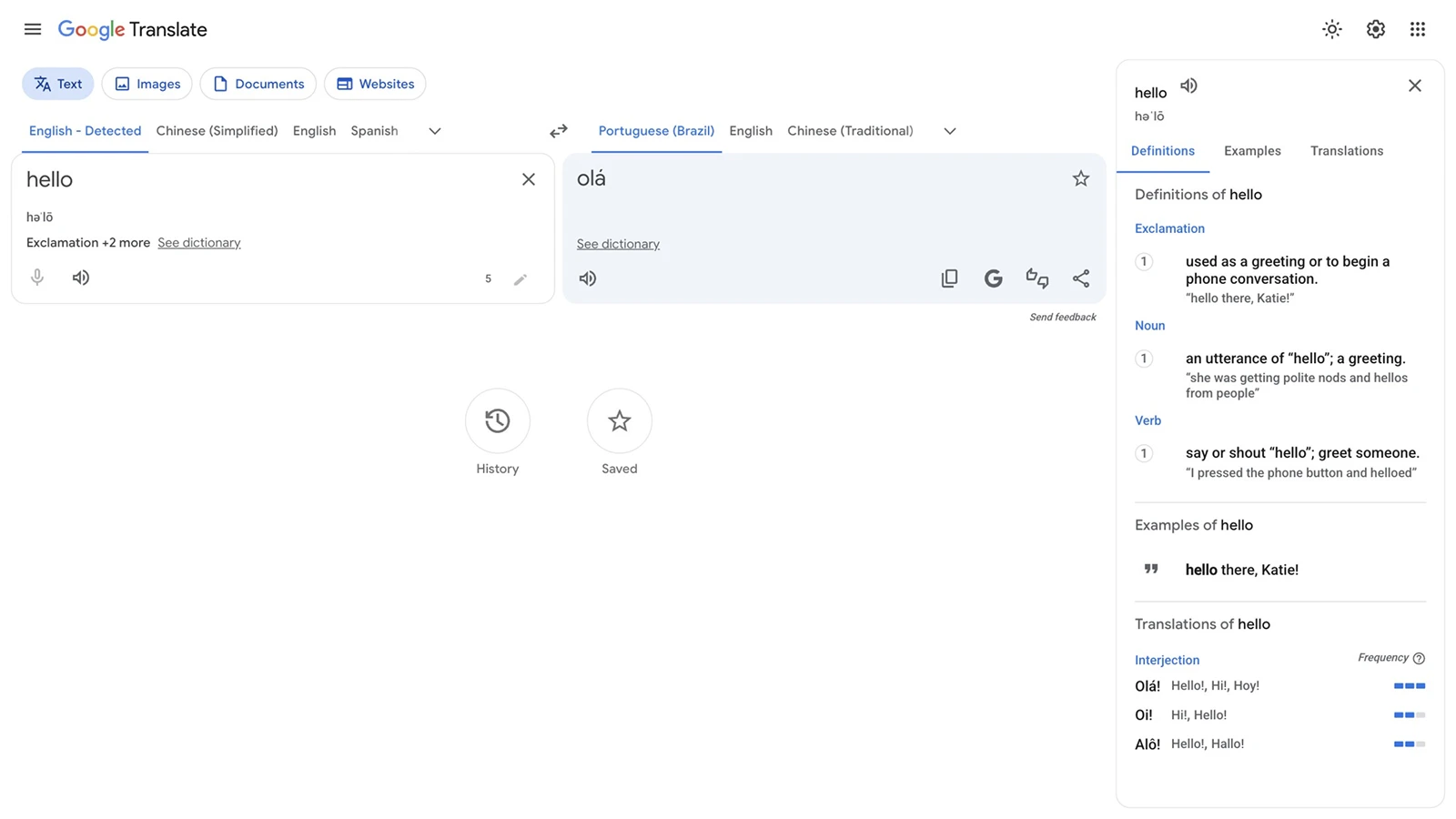
Google Translate remains the most widely used translation service on the planet. It's free, it's everywhere, and it covers more languages than any other tool on this list.
Why It Stands Out
Google Translate covers 249 languages, ideal for casual use and quick reference. That unmatched language coverage combined with zero cost makes it the default choice for billions of users. Google Translate works across text, voice, image, and camera inputs, and offers offline translation for travelers without reliable internet.
Google Translate offers instant translations across 200+ languages, and the addition of neural machine translation in recent years has improved output quality for high-resource language pairs significantly.
Best For
Casual users, language learners, travelers, and anyone needing quick informal translations across a wide range of languages.
Key Strengths
- Broadest language coverage: Google Translate supports text in 249 languages and varieties-far more than any competitor. This makes it invaluable for less common language pairs.
- Multiple input modes: Supports text, voice, image, and camera translation, plus a real-time conversation mode for face-to-face communication across different languages.
- Offline capabilities: Download language packs for translation without internet access.
- Completely free: Google Translate is completely free to use for individual users, with no daily limits on text translation.
- API for developers: Google Cloud Translation API offers enterprise-grade features with explicit guarantees that data sent via the API is not used to train AI models.
Possible Limitations
- Google Translate has an accuracy score of 3.5/5 in comparative evaluations, reflecting inconsistent quality across different language pairs. It tends to produce more literal translations that miss cultural nuance.
- Limited document formatting preservation-translating a formatted PDF or DOCX often results in layout issues.
- For complex academic, legal, or marketing content, output frequently requires significant human review and editing.
4. ChatGPT Translate
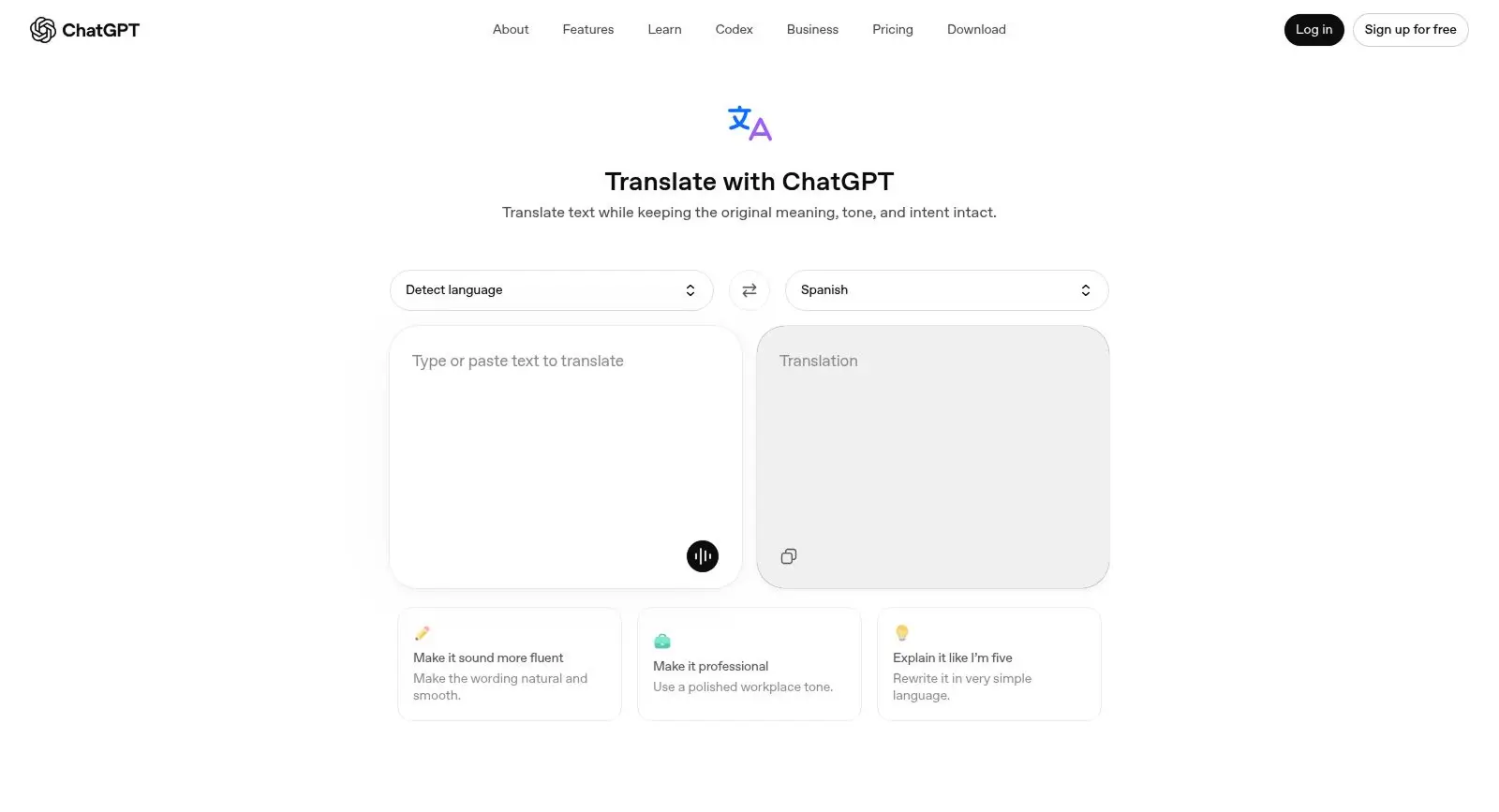
ChatGPT Translate has emerged as a surprisingly powerful AI translator, particularly for content that demands creativity, contextual awareness, and adaptive tone. While it wasn't built as a dedicated translation tool, its capabilities as a large language model make it exceptionally good at understanding what you actually mean-not just what you literally said.
Why It Stands Out
ChatGPT Translate excels in translating nuanced or creative text and understanding context. In a case study on Korean-to-Russian police dialogue, ChatGPT Translate scored 8.6/10 in manual evaluation versus Google Translate's 6.5 and Naver Papago's 5.6, with only 41 errors compared to 123 and 152 respectively. That's a massive gap, especially for low-resource or uncommon language pairs.
Research also shows that document-level translation-where ChatGPT Translate processes longer passages rather than isolated sentences-yields significantly better results. This makes it particularly strong for translating full articles, stories, or correspondence.
Best For
Content creators needing creative adaptations and tone-specific translations. Also valuable for anyone working with literary text, marketing copy, or dialogue-heavy content.
Key Strengths
- Strong contextual understanding: ChatGPT Translate excels in creative copy and can adapt tone, register, and style based on detailed instructions. It handles formal, informal, and idiomatic text with impressive flexibility.
- Ability to explain translation choices: You can ask ChatGPT Translate why it chose a particular word or phrasing-something no traditional machine translation tool offers.
- Support for complex instructions: Specify style guides, audience demographics, or domain context directly in your prompt, and ChatGPT Translate will factor these into the translation.
- Broad language capabilities: While not as comprehensive as Google Translate for rare languages, ChatGPT Translate handles a wide range of language pairs competently.
It's also worth noting that Gemini can process inputs over 2 million tokens in one pass, making it another strong LLM option for translating very large documents-though ChatGPT Translate remains the more widely adopted choice for translation tasks among content teams.
Possible Limitations
- ChatGPT Translate excels in creative copy but lacks translation memory, meaning it won't automatically remember your preferred terms or past translations. There's no built-in glossary, no translation management system, and no way to enforce consistent terminology across sessions.
- Can be verbose or over-creative for straightforward translations. If you need a simple, direct translation of a product label, ChatGPT Translate might give you a paragraph.
- Privacy considerations: consumer accounts may have content used for model training unless opted out. Enterprise and business tiers offer stronger guarantees.
5. Microsoft Translator
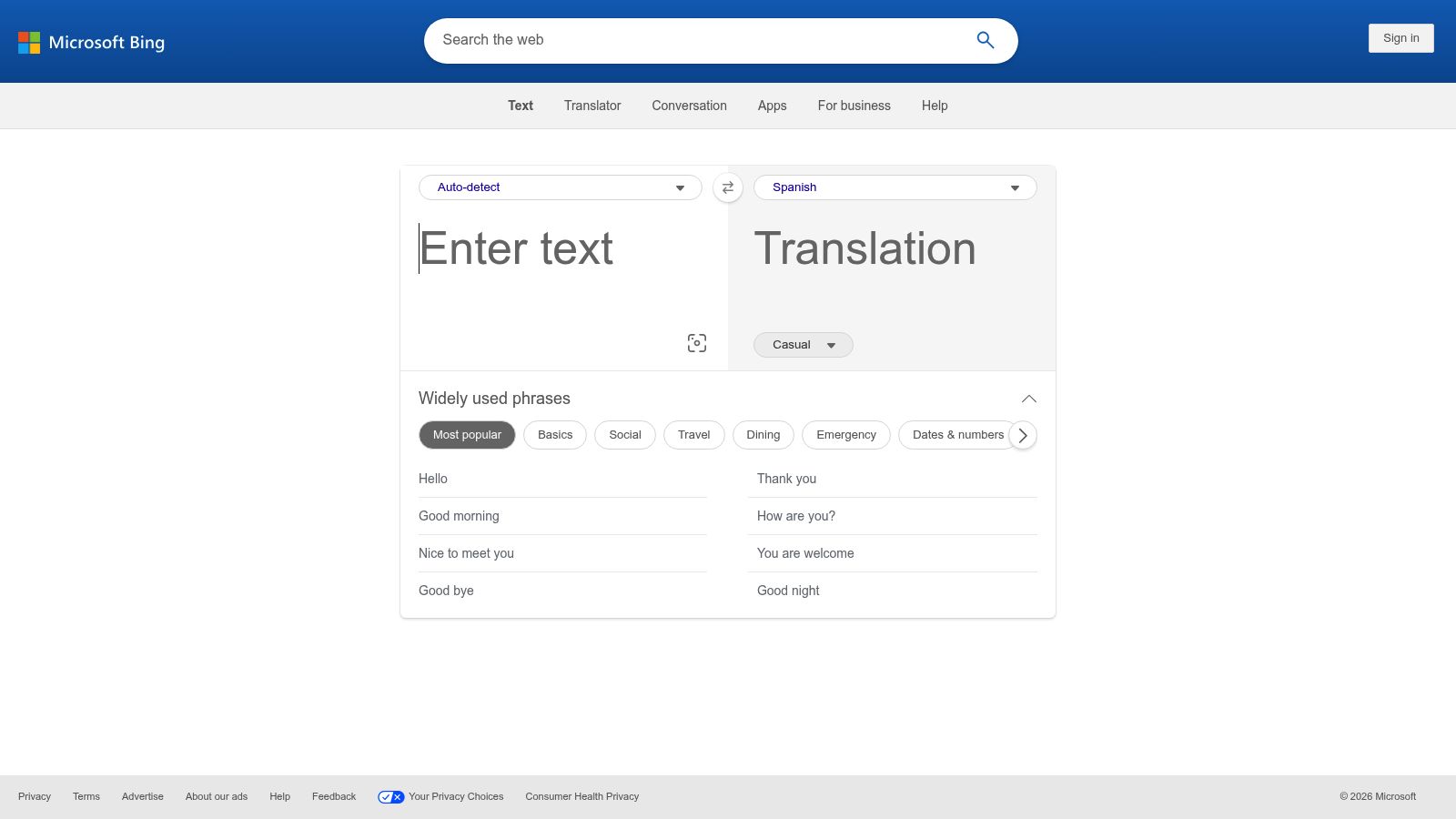
Microsoft Translator is the enterprise workhorse that most people overlook-until they realize it's already embedded in the tools they use every day.
Why It Stands Out
Microsoft Translator integrates well with Microsoft 365 for enterprises. If your team lives in Word, Excel, PowerPoint, Teams, and Outlook, Microsoft Translator is already there, offering workflow automation that doesn't require switching tools or learning a new interface.
The real-time conversation translation in Microsoft Teams meetings is particularly useful for international teams. Participants can speak in their native language while others read translated captions-making it a practical solution for global communication without the awkwardness of a human interpreter.
Best For
Enterprises using Microsoft 365 and teams needing automated translation workflows embedded directly in their productivity suite.
Key Strengths
- Native integration with Microsoft Office applications: Translate documents, emails, presentations, and chat messages without leaving the Microsoft ecosystem. This is a significant advantage for localization workflows that involve Office documents.
- Enterprise-grade security and compliance: Microsoft's data handling meets most corporate and government compliance requirements, making it suitable for translating legal documents and other sensitive content.
- API support for custom implementations: The Translator API allows developers to build custom translation solutions, including website localization and in-app translation features.
- Real-time meeting translation: Live translation during Teams calls makes it a practical tool for multilingual communication during remote meetings.
Possible Limitations
- Outside the Microsoft ecosystem, the standalone experience is less compelling than dedicated translation tools.
- Limited standalone document translation features compared to DeepL or Taia. It works best as a complement to other tools rather than a primary translation solution.
- Translation quality for European languages doesn't match DeepL's fluency, and it lacks the multi-model comparison approach that tools like MixTranslate offer.
6. Taia
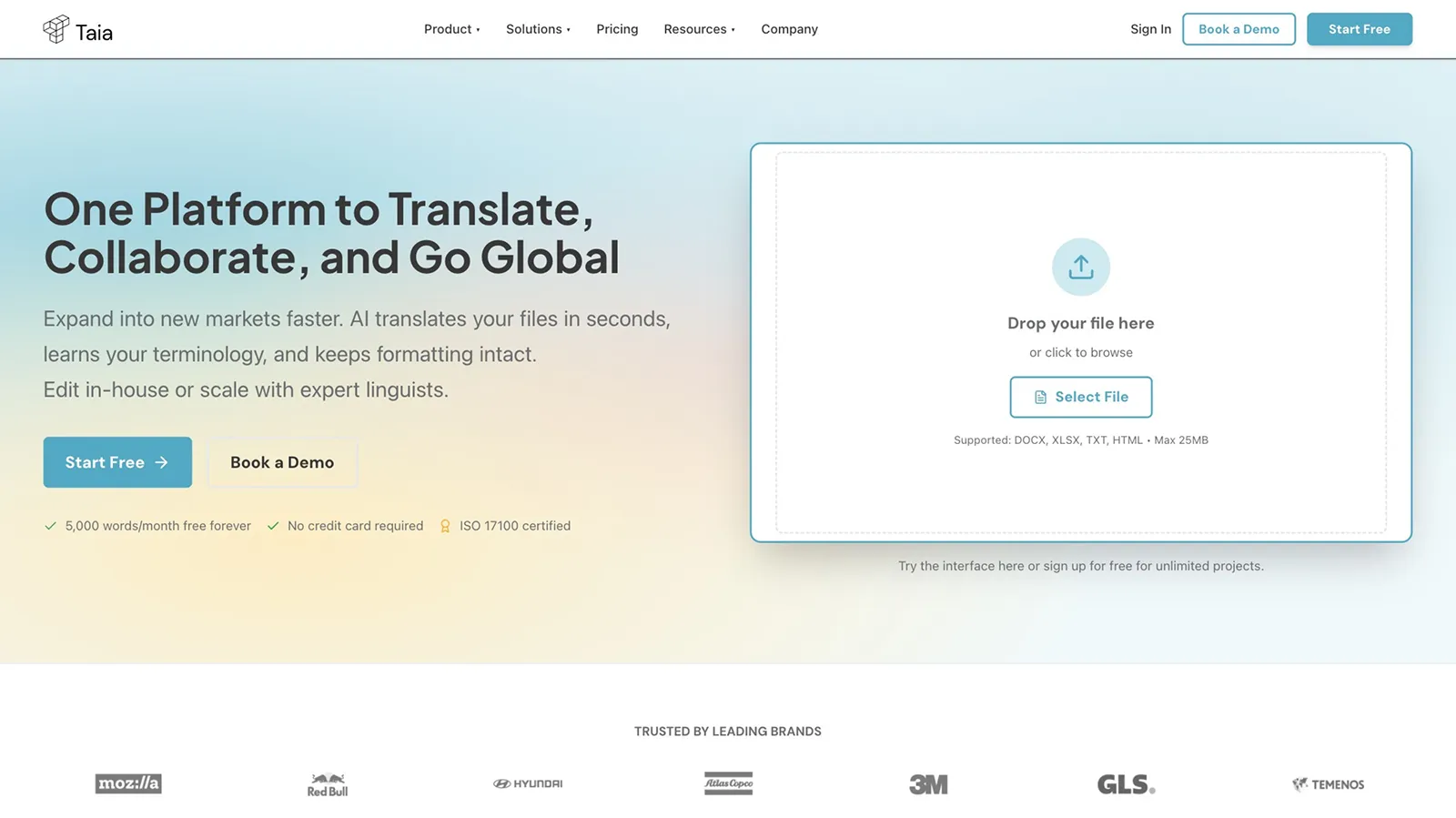
Taia positions itself as a complete business document translation platform, combining AI-powered translation with human expertise in a single workflow. It's designed for organizations that need more than just raw translation output-they need polished, formatted, professional results.
Why It Stands Out
Taia offers a complete document workflow with AI-human hybrid options and support for 65+ file formats. This hybrid translation approach is increasingly important: hybrid workflows combining AI and human review ensure quality for high-stakes documents, and hybrid ai-human translation models reduce delivery time by 52% compared to purely human translation.
Best For
Businesses needing professional document translation with formatting preservation, particularly those dealing with legal, technical, or regulatory content where human quality standards are non-negotiable.
Key Strengths
- Extensive file format support: Handles DOCX, PDF, PowerPoint, and 65+ other file formats-making it one of the most versatile platforms for translating structured documents. DocuGlot, another tool in this space, ensures document formatting is preserved during translation, and Taia offers similar capabilities.
- Translation memory and glossary management: Built-in translation memory and terminology tools help teams maintain consistent terminology across large translation projects. Smartcat also integrates translation memory to maintain consistent terminology, showing this is now a baseline expectation for professional tools.
- AI-human hybrid review workflows: Taia's platform includes options for professional human review after AI translation, combining the speed of machine translation with the quality assurance of human translators.
- Strong accuracy: Taia's AI translator scores 4.5/5 for accuracy, placing it well above average for ai-powered document translation services.
- Privacy-conscious free tier: Taia offers 5,000 words per month for free, and Taia's free plan guarantees content is not used for AI training-an important distinction from many competitors that use free-tier data to train AI models.
Possible Limitations
- Advanced features and higher volumes require paid plans, which can be costly for small teams or individuals.
- The platform may feel complex for users who just need simple text translation. If you're looking for a quick sentence translation, Taia's document-focused workflow is overkill.
7. JotMe
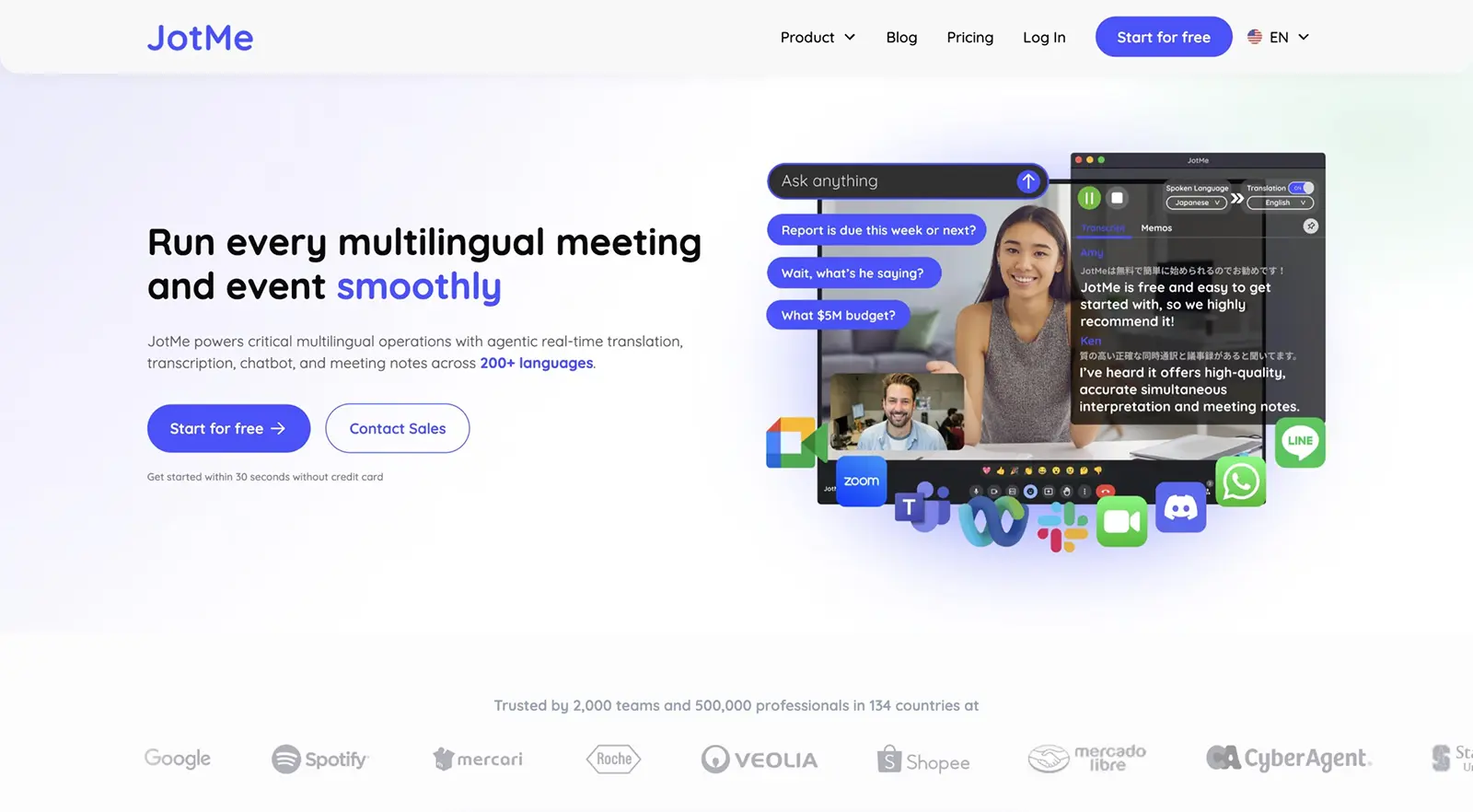
JotMe fills a specific niche that none of the other tools on this list address well: real-time translation during live meetings and calls. If your translation needs happen in the moment-during Zoom calls, Google Meet sessions, or Teams meetings-JotMe is purpose-built for that scenario.
Why It Stands Out
JotMe provides real-time translation during live video calls and meetings across multiple platforms. Rather than translating documents or static text, it focuses on the spoken word-transcribing and translating conversation as it happens. JotMe's contextual translation engine preserves tone and meaning, which is critical when nuance matters during business negotiations or client calls.
Best For
Remote teams, international meetings, and anyone who needs live multilingual communication without the cost of a human interpreter.
Key Strengths
- Live translation during calls: Works with Zoom, Google Meet, and Microsoft Teams to provide real-time translated captions during meetings.
- Automatic transcription and meeting notes: Every meeting gets transcribed, creating a searchable record in multiple languages-useful for project management and follow-ups.
- Support for 77+ languages in real-time: Broad enough language coverage for most international business scenarios.
- Accessible free tier: JotMe offers a free plan with 20 minutes of translation per month, making it easy to test before committing to paid plans.
Possible Limitations
- Requires an internet connection for all functionality-no offline capabilities.
- Focused entirely on meeting scenarios rather than document translation. You won't use JotMe to translate a PDF or a website. It's a complement to other tools, not a replacement.
Quick Comparison of the Best AI Translation Tools
Here's a side-by-side overview of the top AI translation tools to help you narrow down your options:
| Tool | Best For | Languages | Free Option | Accuracy Rating | Key Differentiator |
|---|---|---|---|---|---|
| MixTranslate | Multi-model comparison, quality-focused translations | 150+ | Free credits (100K/month) | ~90% (multi-model) | Compare 20+ AI models side by side |
| DeepL | Natural, high-quality European language translations | 100+ | 3 docs/month, limited text | 4.9/5 | Best fluency for European languages |
| Google Translate | Free, broad language coverage, casual use | 249 | Fully free | 3.5/5 | Widest language coverage |
| ChatGPT Translate | Creative and context-aware translations | 40+ | Free tier available | High (varies by pair) | Contextual understanding and creativity |
| Microsoft Translator | Microsoft ecosystem integration | 100+ | Free app and basic API | Moderate-High | Native M365 integration |
| Taia | Business document workflows, formatting preservation | 204 | 5,000 words/month | 4.5/5 | AI-human hybrid workflows |
| JotMe | Real-time meeting translation | 77+ | 20 min/month | Context-dependent | Live call translation |
A few patterns emerge from this comparison:
- MixTranslate stands alone in offering multi-model comparison, which is the best AI approach for users who want to see how different translation engines handle the same content.
- DeepL dominates accuracy for European languages but falls short on language support breadth.
- Google Translate can't be beaten on accessibility and language coverage, but translation quality varies.
- ChatGPT Translate is the best AI translator for creative and contextual work, but lacks the workflow features that teams need.
- Microsoft Translator is best understood as a feature within an ecosystem, not a standalone tool.
- Taia is the strongest choice for businesses that need human review built into their translation process.
- JotMe is uniquely positioned for live communication-a use case the others don't address well.
How to Choose the Right AI Translation Tool
With seven strong options on the table, how do you pick the right one? Here's a framework that focuses on the three factors that matter most.
Choose Based on Your Use Case
Start by identifying what you actually need to translate and how.
- Document translation: If you're regularly translating structured documents-contracts, reports, presentations-prioritize tools with strong formatting preservation and file format support. Taia and DeepL both handle this well. OCR technology is essential for effective image-to-text translation when dealing with scanned documents or image-based PDFs. Gemini can process image-based text using OCR technology, and Pairaphrase supports OCR for translating text in images, so consider these if image-heavy documents are part of your workflow.
- Real-time communication: For live meetings and calls, JotMe is the clear choice. Microsoft Translator also offers real-time capabilities within Teams.
- Casual text translation: For quick lookups, emails, or chat messages, Google Translate's free plan and broad language coverage make it the most practical option.
- Marketing and creative content: When you need to generate translations that capture brand voice and tone, a multi-model comparison tool like MixTranslate or ChatGPT Translate will deliver better results than generic machine translation.
- Localization workflows: If you're running ongoing localization processes for a product or website, look for tools that integrate with your existing workflows and support website localization features.
Choose Based on Language Requirements
Not all tools handle all language pairs equally.
- European languages: DeepL is the strongest choice. Its accuracy and fluency for pairs like German-English, French-English, and Spanish-English are consistently superior.
- Broad coverage including rare languages: Google Translate's 249 languages make it the only option for many low-resource pairs. AI translation tools support over 150 languages at the high end (MixTranslate), giving you wide coverage.
- Quality over breadth: If you work primarily with 3-5 language pairs and need high quality, prioritize accuracy ratings over raw language counts. Pairaphrase supports 160+ languages and includes terminology management, making it another option for teams needing both breadth and consistency.
- Specialized language needs: For uncommon pairs like Korean-Russian, research shows ChatGPT Translate dramatically outperforms traditional tools. Consider LLM-based options or multi-model comparison tools for these use cases.
Choose Based on Quality and Control Needs
This is where the differences between tools become most significant.
- Multi-model comparison: If you want to see how different translation engines handle your content and pick the best output, MixTranslate is currently the only tool that offers this at scale. LanguageTool suggests improvements for clarity and tone, which can complement any translation tool as a post-editing layer.
- Tone control and style adjustment: MixTranslate and ChatGPT Translate both offer strong tone control. Cavya.ai generates context-rich glossaries and style guides, which can be useful for teams building out their translation style documentation. For language-specific needs like Tagalog to English, having tone control ensures your output matches regional expectations.
- Terminology management: For teams that need to maintain consistent terminology across large volumes of multilingual content, look for built-in glossaries and translation memory. TextUnited combines machine translation with terminology management tools, Cavya.ai generates context-rich glossaries for consistent terminology, OneClickTerms uses statistical methods for structured terminology extraction, and Smartcat integrates translation memory to maintain consistent terminology. Among the tools on our list, Taia and MixTranslate both offer glossary features.
- Quality assurance: If translation errors could have real consequences (legal documents, medical content, safety instructions), hybrid translation workflows with human review are essential. Taia's AI-human hybrid model is designed specifically for this.
Which AI Translation Tool Is Best for You?
Here's the bottom line for each tool, matched to specific needs:
Choose MixTranslate if you want to compare multiple AI models and need quality-focused translations with tone control. It's the best fit for content creators, marketing teams, and anyone who wants to see multiple translation options before publishing. The combination of 150+ languages, glossary features, image text extraction, and a generous free credits model makes it a strong starting point for most users.
Choose DeepL if you prioritize natural-sounding translations for European languages and need a tool that professional translators trust. It's the best AI tool for fluency in its supported language pairs, though you'll need to accept narrower language coverage.
Choose Google Translate if you need free access to many languages for casual use, travel, or quick reference. It's the most accessible option and still useful for getting the gist of content in languages other tools don't support.
Choose ChatGPT Translate if you need creative adaptations, contextual understanding, and the ability to give your AI translator detailed instructions about style and audience. Just be prepared to handle terminology consistency manually.
Choose Microsoft Translator if you work within the Microsoft ecosystem and need translation embedded in your daily productivity tools. It's the most seamless option for enterprises already invested in M365.
Choose Taia if you need comprehensive business document translation workflows with human review options. Its AI-human hybrid approach and extensive file format support make it ideal for regulated industries and high-stakes translation projects.
Choose JotMe if you need real-time translation during live meetings and calls. It solves a very specific problem-live multilingual communication-and does it well.
The reality is that many teams will benefit from using two or three of these tools together. A multi-model comparison tool for important content, a quick-access option for everyday needs, and a specialized tool for specific workflows like meetings or document translation.
Final Thoughts
The best AI translation tool isn't the one with the longest feature list-it's the one that fits your specific workflow, language requirements, and quality standards. Every tool on this list earned its place for a different reason, and the right choice depends entirely on what you need to translate, how often, and how polished the output needs to be.
That said, the landscape is shifting. Artificial intelligence is making translation faster and more accurate every year, but human expertise still plays a critical role-especially for high-stakes content like legal documents, medical texts, and brand-sensitive marketing. Hybrid workflows that combine AI speed with human review represent the gold standard for translation quality right now.
If there's one trend worth paying attention to, it's the move toward multi-model comparison. No single neural machine translation engine outperforms all others across every language pair and content type. Tools like MixTranslate that let you compare outputs from multiple translation engines and pick the best result are addressing this reality head-on-giving you better control over translation accuracy and the ability to maintain brand voice consistent across all your multilingual content.
The smartest approach is to test multiple tools with your actual content before making a final decision. Run your most challenging paragraphs through two or three options, compare the results, and see which output requires the least editing.
If you want to start with a tool that lets you compare AI models side by side without committing to a single engine, MixTranslate Free AI Translator gives you a risk-free way to see how 20+ translation engines handle your content. From there, you'll have the data you need to build the translation workflow that actually works for your team.