Best CAT Tools for Professional Translators and Translation Teams in 2026
The right CAT tool can transform your translation workflow — the wrong one slows you down. In this guide, we compare the best CAT tools of 2026 for freelance translators and localization teams, covering translation memory, collaboration features, integrations, and pricing, so you can find the platform that fits the way you work.

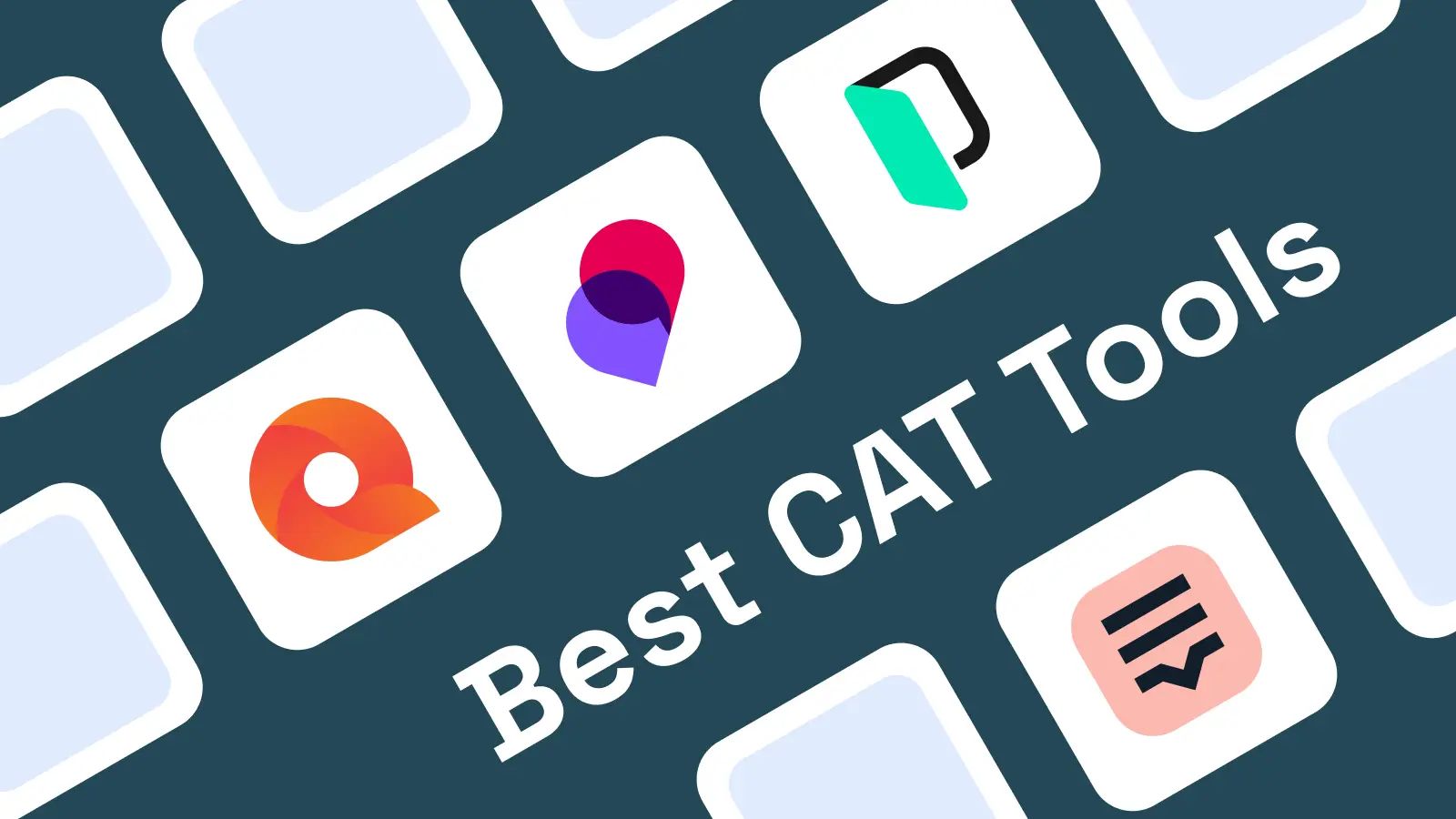
If you work with multilingual content, the right CAT tools can make or break your translation workflow. Whether you're a freelance translator juggling client files or part of a large localization team shipping software in 30 languages, choosing the right equipment matters.
Computer-Assisted Translation (CAT) tools are software systems designed to support human translators. They don't translate content for you the way machine translation does. Instead, they automate translation tasks for increased efficiency by helping you reuse past work, manage terminology, and catch errors before delivery. Users of CAT tools are typically content creators or translation teams needing efficiency and accuracy across projects.
It's worth noting that CAT tools differ from pure machine translation platforms like MixTranslate, which uses AI models to generate translations from scratch. CAT tools sit alongside the human translator, offering reference material, memories, and quality checks rather than replacing human expertise.
In this guide, we'll break down the six best CAT tools available in 2026, compare their strengths and limitations, and help you pick the right one for your specific workflow.
How We Chose the Best CAT Tools
Not every CAT tool serves every translator equally. We evaluated each tool across nine key dimensions to arrive at our recommendations.
Translation Memory Capabilities
Translation memories store source segments and translations in a database for future reuse. When you encounter the same or similar text again, the tool suggests your previous translation. Larger translation memories offer more translation matches, which means less time spent retranslating content you've already handled. We looked at TM size limits, matching accuracy, duplicate detection, and cleaning tools.
User Interface Design and Ease of Use
A cluttered interface slows you down. We considered learning curve, navigation clarity, performance with large files, and modern UI touches like dark themes and keyboard shortcuts.
File Format Support
CAT tools facilitate localization by handling various file formats-DOCX, PPTX, HTML, InDesign, XLIFF, XML, and more. We assessed how well each tool preserves formatting and tags across these formats.
Terminology Management
Terminology management maintains consistent use of technical terms or brand-specific language. We evaluated termbase features including forbidden terms, synonyms, usage notes, and real-time term recognition.
Quality Assurance Tools
Quality assurance checks identify errors such as missing punctuation and inconsistent terminology. Quality Assurance features automatically check for formatting errors and inconsistencies before you deliver your work. We reviewed the depth and customizability of each tool's QA engine.
Collaboration and Project Management
For teams, we assessed server and cloud support, real-time collaboration, role-based permissions, task assignment, and progress tracking.
Pricing and Value
We compared subscription models, one-time purchases, free options, and total cost of ownership including training and support. Money matters, especially for freelancers.
Integration with Other Technologies
Many modern CAT tools combine translation memory with machine translation integration. We checked for connectors to CMS platforms, MT engines like DeepL, API access, and plugin ecosystems.
Customer Support and Community
We considered documentation quality, community forums, responsiveness of support teams, and how easy it is to contact the vendor when you need help.
Best 6 CAT Tools for Professional Translation
Common CAT tools include Trados Studio and others that have been crafted over decades to serve the translation industry. Here's our breakdown of the top six.
1. Trados Studio
Trados Studio by RWS remains the most widely recognized CAT tool in the industry. A 2026 survey of professional translators found that 93.3% of respondents used Trados, making it the dominant choice across agencies and freelancers alike.
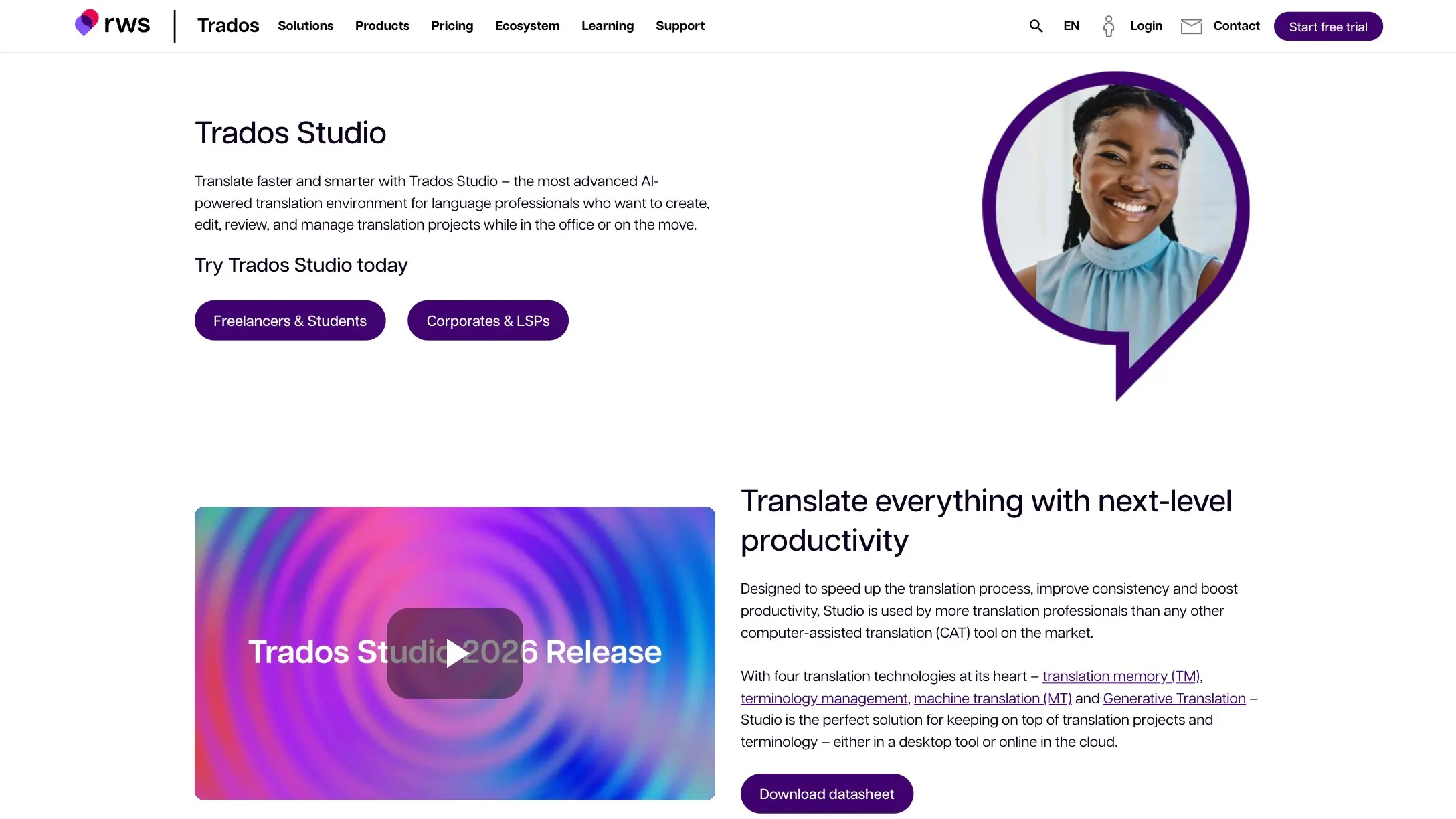
Why It Stands Out: Market dominance and a comprehensive feature set that covers virtually every translation scenario. It supports over 100 file formats and offers one of the deepest plugin ecosystems available.
Best For: Freelance translators and translation agencies working with diverse clients who expect Trados-compatible deliverables.
Key Strengths:
- Extensive file format support (100+ formats)
- Robust translation memory with PerfectMatch for high-precision reuse
- Advanced QA features including tag verification, number consistency, and terminology enforcement
- The Studio 2026 release introduces native 64-bit architecture, eliminating out-of-memory errors on large files (e.g., 1.5 GB PowerPoint files)
- New local termbase format (.TTB) and contextual AI that respects TM and terminology during suggestions
Possible Limitations: Subscription pricing starts at approximately $420/year (freelance plan) and $3435 (professional plan), which adds up quickly. The learning curve is steep for beginners, and the desktop client is Windows-only-macOS users need emulation. The interface, while powerful, can feel cluttered with too many configuration options.
2. MemoQ
MemoQ offers both desktop and server solutions with a strong emphasis on team collaboration. Its LiveDocs feature provides corpus-based translation memory, and the web interface (memoQweb) allows remote access for distributed teams.
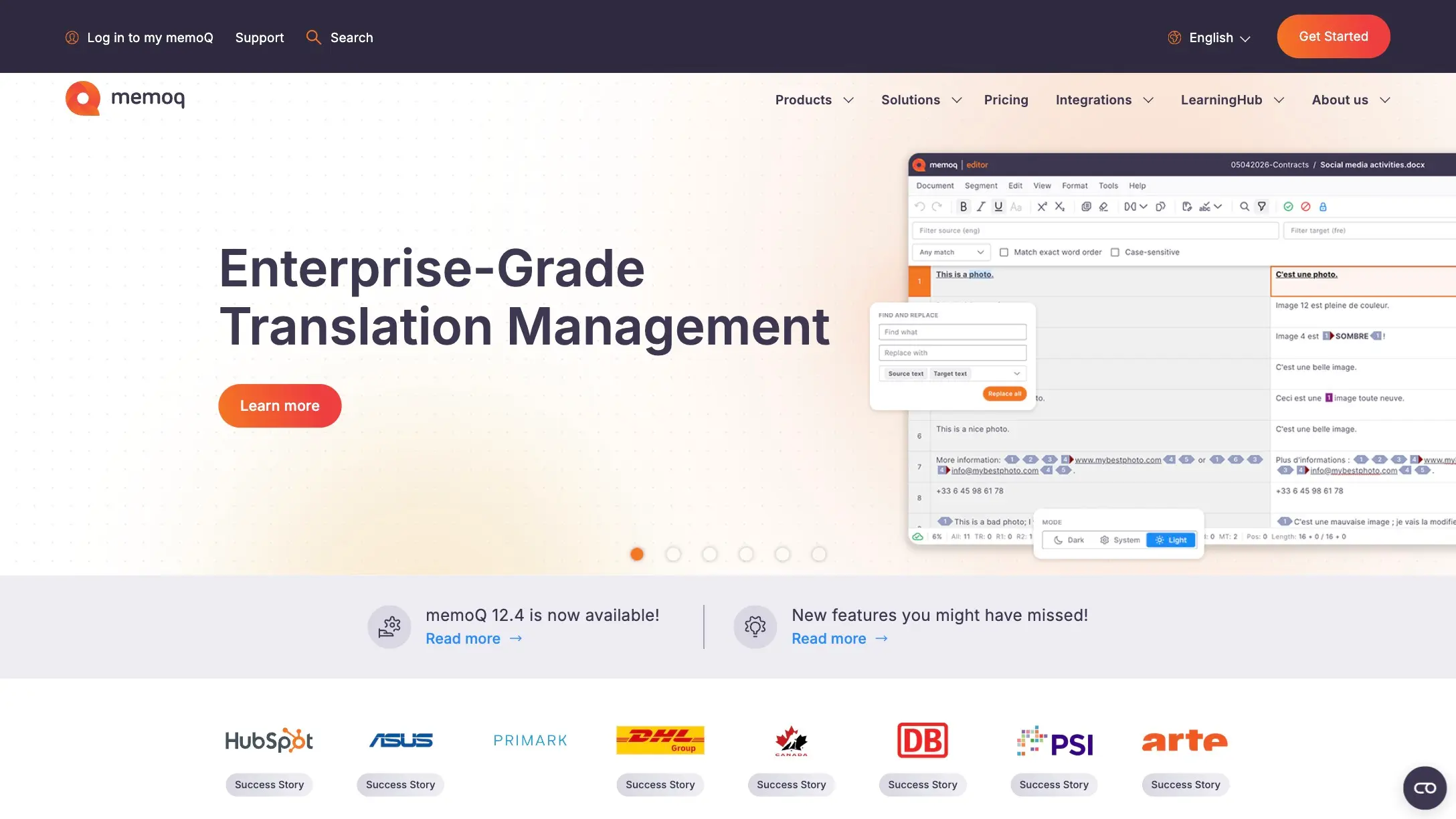
Why It Stands Out: Superior collaboration features and a project management layer that makes it a natural fit for agencies managing multiple translators across a single project.
Best For: Translation agencies and enterprise teams handling large-scale, multilingual projects.
Key Strengths:
- Real-time collaboration with role-based permissions
- Powerful filtering, search, and reporting tools
- Excellent terminology management through QTerm
- Adaptive MT integration via plugins like Lara Translate, which learns from confirmed segments over time
- Improved import filters for Phrase XLIFF files, making it easier to work with clients on other platforms
Possible Limitations: Subscription costs are significant, starting around $436/year for individuals and $3194/year from teams. The web interface still lags behind the desktop in feature parity. Solo translators may find the setup complexity unnecessary for their needs.
3. Phrase
Phrase is a cloud-native translation management system designed from the ground up for browser-based workflows. It emphasizes modern integrations, API accessibility, and automated project pipelines.
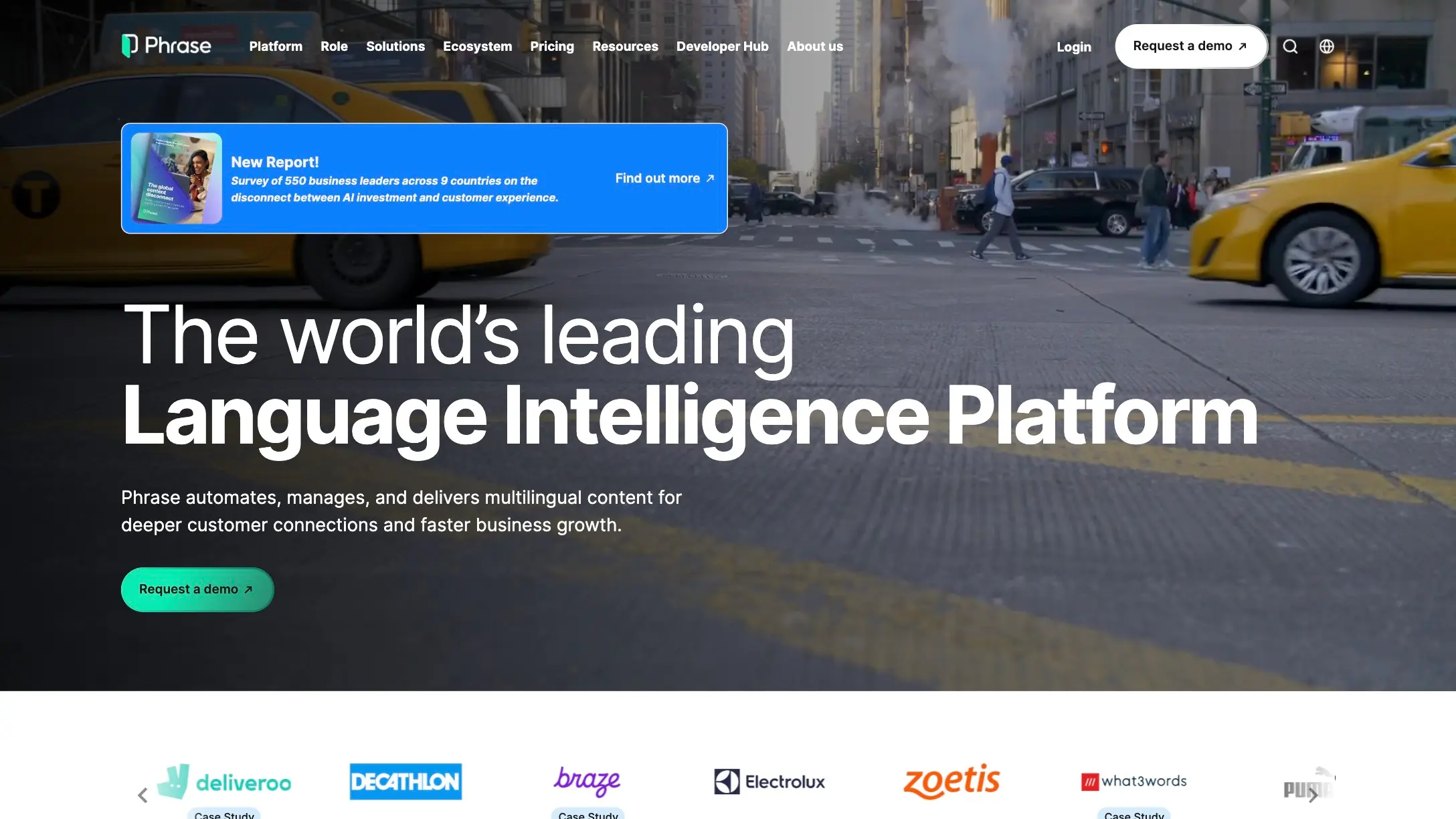
Why It Stands Out: Cloud-first architecture and seamless integrations with content management systems, version control, and third-party APIs.
Best For: Modern translation teams prioritizing cloud-based workflows, remote collaboration, and tight integration with content pipelines.
Key Strengths:
- Browser-based access from any device-no desktop installation required
- Strong MT integration with multiple engines
- Automated project creation and management
- Clean, modern UI with a shorter learning curve than desktop tools
- Starting price around $324/year for freelancer makes it more accessible than Trados or MemoQ
Possible Limitations: Requires reliable internet access at all times. Advanced QA and DTP formatting features don't match what desktop tools offer. For translators handling very large files offline, this tool may not be the right fit.
4. Lokalise
Lokalise is a cloud-based localization and translation management platform designed to streamline workflows for software and app localization. It combines translation memory with automation and collaboration tools tailored for agile teams.
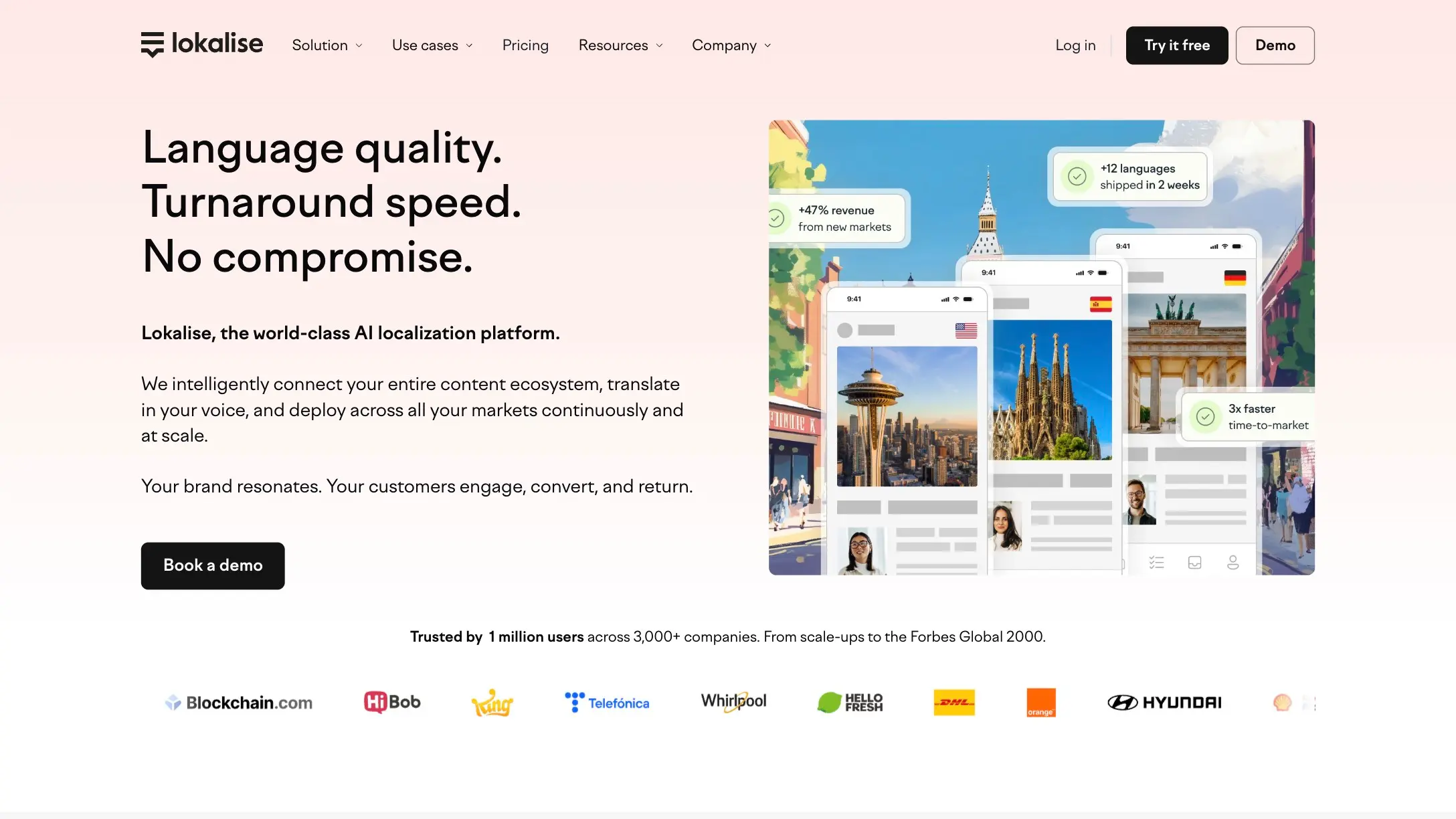
Why It Stands Out: Strong focus on software localization with integrations for development workflows, continuous localization, and API-driven automation.
Best For: Software development teams and localization managers who need to integrate translations tightly with development cycles and CI/CD pipelines.
Key Strengths:
- Seamless integration with GitHub, GitLab, Bitbucket, and other developer tools
- Automated string extraction and in-context editing
- Real-time collaboration with translators and developers
- Robust API for custom workflow automation
- Supports over 50 file formats common in software localization
Possible Limitations: Primarily focused on software localization rather than general document translation. Pricing can be high for small teams or freelancers. Less suited for translators who work mainly with traditional document formats.
5. Wordfast Pro
Wordfast has been a staple for budget-conscious translators for years. It comes in three flavors: Classic (inside MS Word), Pro (standalone, cross-platform), and Anywhere (cloud-based). Wordfast Server supports shared TMs for teams.
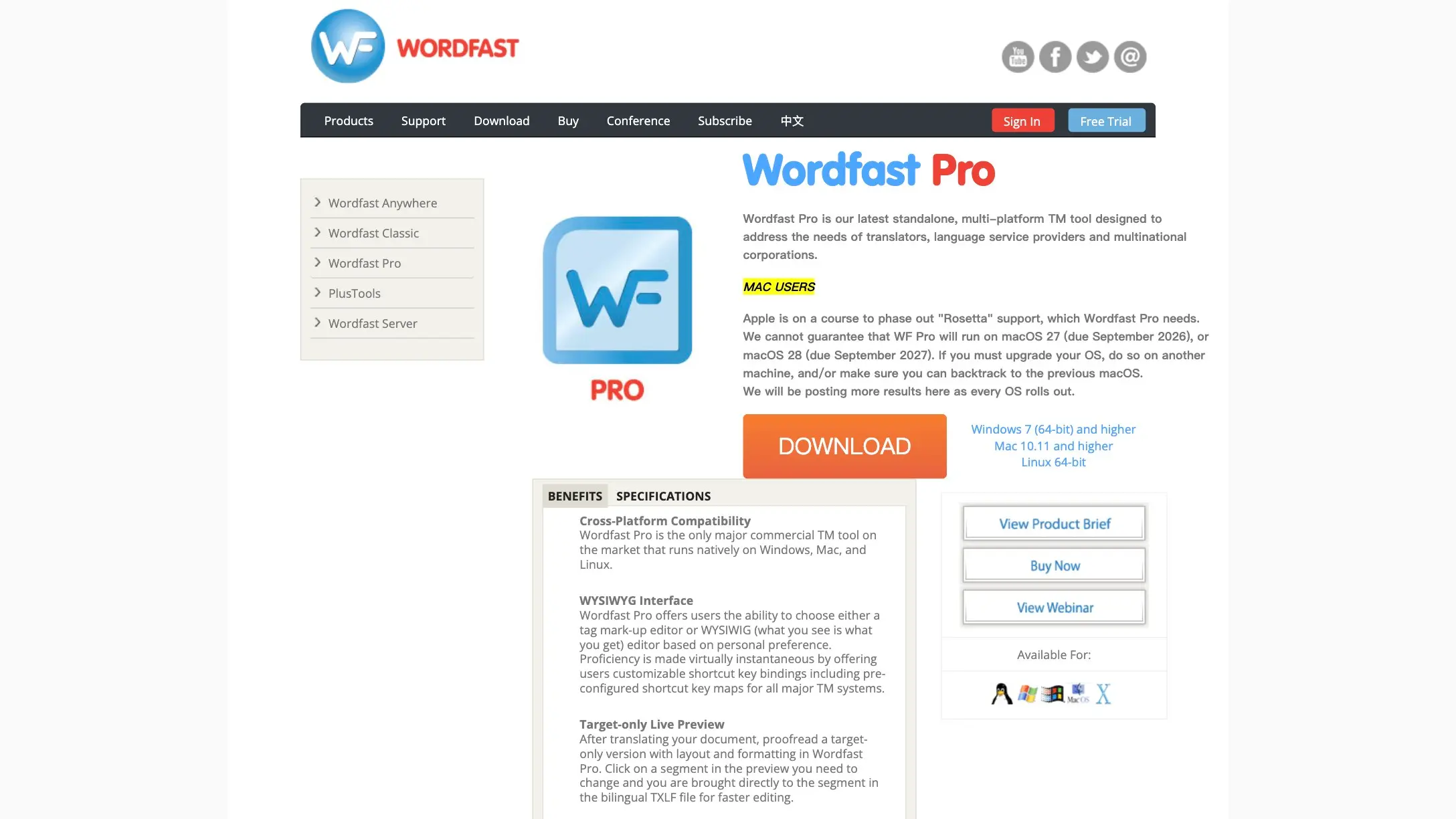
Why It Stands Out: Cost-effectiveness and simplicity without sacrificing the core features translators need daily. These are the cat hand tools of the industry-reliable, straightforward, and they get the job done.
Best For: Budget-conscious freelance translators and small translation businesses that want to save money without giving up essential CAT functionality.
Key Strengths:
- One-time purchase at approximately $480 for Wordfast Pro, with discounted pricing (~$240) for users in developing countries
- Cross-platform compatibility (Windows, macOS, Linux)
- Lightweight software with fast performance on moderate-sized projects
- Easier learning curve than most competitors
- Long-term cost advantage: over nine years, Wordfast costs roughly $920 versus $3,300+ for Trados
Possible Limitations: Less advanced project management and automation compared to enterprise tools. The user community is smaller, and the interface feels less modern. Scaling TM performance with very large databases may lag behind heavier desktop tools.
6. OmegaT
OmegaT is the only fully free and open-source CAT tool on this list. Built on Java, it runs on Windows, macOS, and Linux, making it one of the most accessible options for translators who want to avoid licensing fees entirely.
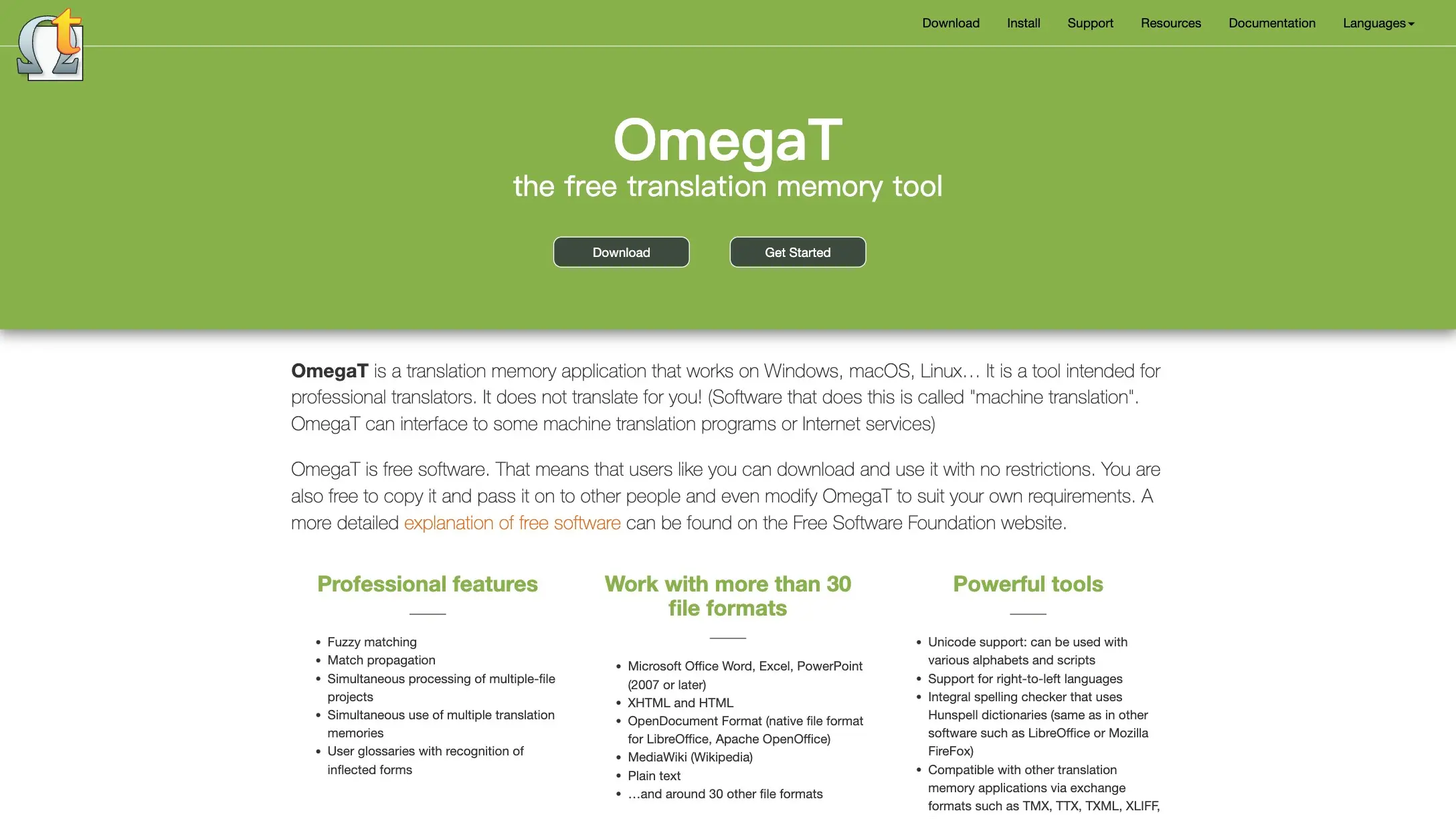
Why It Stands Out: Completely free with no licensing restrictions. Translators upload documents to split them into segments, use translation memories, and manage termbases-all without spending a dollar.
Best For: Translators starting out, NGOs with tight budgets, academics, and anyone who values open-source flexibility.
Key Strengths:
- Zero cost-no subscriptions, no one-time fees, no hidden charges
- Open-source codebase that you can customize or extend
- Active developer community contributing improvements
- Supports major file formats and standard TM exchange formats (TMX, TBX)
- Cross-platform via Java
Possible Limitations: The UI is noticeably less polished than commercial alternatives. It lacks enterprise-grade collaboration, real-time review, and built-in project management. QA features are basic compared to premium tools. Setting up complex workflows requires technical knowledge, and hand tools like these demand more manual configuration to reach their full potential.
Quick Comparison of the Best CAT Tools
Here's a side-by-side summary to help you compare at a glance:
| Tool | Best For | Pricing Model | Platform | TM & Terminology | Collaboration |
|---|---|---|---|---|---|
| Trados Studio | Industry standard compatibility, comprehensive features | Subscription-based (starting at $420/year) | Windows desktop | Excellent (TM + MultiTerm) | Via Trados GroupShare |
| MemoQ | Collaborative translation projects, agency workflows | Subscription-based (starting at $436/year) | Desktop + web | Excellent (LiveDocs + QTerm) | Strong server/cloud |
| Phrase | Cloud-based teams, modern integrations | Subscription-based (starting at $324/year) | Browser-based | Good | Excellent cloud-native |
| Lokalise | Software localization, developer integrations | Subscription-based (starting at $1728/year) | Cloud-based | Good | Strong collaboration |
| Wordfast Pro | Budget-conscious freelancers, core CAT functionality | ~$480 one-time | Cross-platform desktop | Good | Basic (via Server) |
| OmegaT | Cost-free TM and terminology management | Open-source and free | Cross-platform (Java) | Basic | Minimal |
Translators can work faster with segmented source documents, and every tool on this list handles segmentation. The difference lies in how well each tool manages everything around it-terminology, QA, collaboration, and cost.
How to Choose the Right CAT Tool
Choose Based on Team Size and Collaboration Needs
If you're a solo translator, you don't need a full server infrastructure. Wordfast Pro or OmegaT will handle your daily workload without unnecessary complexity. CAT tools store translations for future reuse regardless of which one you pick, so even a lightweight tool builds your TM over time.
For small teams of two to five translators, MemoQ, Phrase, or Lokalise offer the collaboration features you need-shared TMs, task assignment, and progress tracking. Translation memories improve consistency over time, and shared memories multiply that benefit across your entire team.
For large agencies or enterprises managing dozens of translators across a project, Trados GroupShare or MemoQ Server provide the governance, reporting, and automation that keep complex workflows on track. Client requirements also matter here-some clients mandate specific tools in their contracts.
Choose Based on Budget and Licensing Preferences
The financial picture varies dramatically across these tools:
- Free: OmegaT costs nothing, ever.
- One-time purchase: Wordfast Pro at ~$480 is the most affordable paid option.
- Subscription: Phrase (~$324/year for freelancer), Trados (~$420/year for freelancer), MemoQ (~$436/year for individuals), and Lokalise represent escalating tiers.
Think beyond the sticker price. Total cost of ownership includes training time, support fees, upgrade costs, and productivity gains. A cheaper tool that slows you down or lacks critical QA features may cost you more in rework and missed deadlines.
Choose Based on Technical Requirements
Start by listing the file formats you work with most often. If you regularly handle InDesign, complex XML, or resource files, you need a tool with robust format support-Trados and MemoQ lead here.
Consider your internet situation. Cloud tools like Phrase and Lokalise require a stable connection. If you frequently work offline or in areas with unreliable connectivity, desktop tools like Trados, MemoQ, or Wordfast Pro are safer choices.
CAT tools automate translation-related tasks for efficiency, but the specific automation capabilities differ. Check whether the tool integrates with the MT engines and CMS platforms you already use. API access matters for teams building custom localization pipelines.
Before committing, export a test TM and termbase to standard formats (TMX, TBX). This ensures you aren't locked into a proprietary ecosystem if you ever need to switch tools.
Which CAT Tool Is Best for You?
Here's a quick decision guide based on what matters most to you:
Choose Trados Studio if you need maximum client compatibility and the most comprehensive feature set. It's the industry standard for a reason, and your expertise with Trados will be recognized by virtually every translation agency.
Choose MemoQ if you prioritize collaboration and project management capabilities. Its server infrastructure and adaptive MT make it ideal for agencies that need real-time coordination across multiple translators.
Choose Phrase if you want modern cloud-based workflows with strong integrations. It's the best option for distributed teams, marketing localization, and organizations that already live in the cloud.
Choose Lokalise if your focus is software localization with developer-friendly integrations and continuous localization workflows.
Choose Wordfast Pro if you seek affordable desktop CAT functionality that doesn't demand a monthly subscription. It delivers the core features you deserve without draining your budget.
Choose OmegaT if budget constraints require a free solution and you're comfortable with a more hands-on setup. It's perfectly viable for building translation memories and managing terminology at zero cost.
Final Thoughts
The best CAT tool is the one that fits your specific workflow, budget, and collaboration requirements. There's no universal answer.
Trados Studio remains the industry standard, but that doesn't automatically make it the right choice for every translator. MemoQ excels in collaboration. Phrase leads in cloud productivity. Lokalise shines for software localization. Wordfast Pro wins on affordability. OmegaT removes cost barriers entirely.
Before you commit your time and money, take advantage of free trials and demo versions. Test each tool with the actual documents you translate daily. Evaluate how well TM suggestions, terminology recognition, and QA detection perform on your real content-not just on sample files.
One thing is clear: CAT tools are essential for professional translation efficiency and quality. They ensure consistency, reduce repetitive work, and let you focus your expertise on what machines still can't do-producing translations that read naturally and communicate accurately. For translators who also want to explore and compare AI-powered translation outputs, complementary MT tools and AI translator can add another layer to your workflow.
Whatever you choose, start building your translation memory today. Every segment you confirm is an investment in faster, more consistent work tomorrow.