DeepL vs Google Translate: Which Is Better for Your Translation Needs?
Is DeepL better than Google Translate? See how the two compare on accuracy, language coverage, features, and price — and which one fits your needs.

If you're choosing between DeepL and Google Translate, the decision comes down to one core trade-off: translation quality versus language coverage. DeepL consistently delivers more accurate translations and natural sounding translations for European languages and professional content, while Google Translate covers far more languages and offers unmatched accessibility through mobile apps, camera translation, and offline features. This guide breaks down every factor that matters - quality, languages, pricing, features, and privacy - so you can pick the right tool for your specific translation needs.
The short answer: DeepL is the better choice for most users who work primarily with major European languages and need high quality translations for business documents, marketing campaigns, or academic content. It produces fewer errors, handles complex sentences with more nuance, and offers stronger privacy protections. However, if you need broad language coverage across 249 languages, mobile convenience, or free access for casual use, Google Translate is the stronger pick. Both DeepL and Google Translate are among the strongest commercial translation services available today.
What Is DeepL?
DeepL is a neural machine translation service developed by a German company, originally built on the Linguee bilingual dictionary database. It has earned a reputation as one of the most accurate machine translation engines for European language pairs.
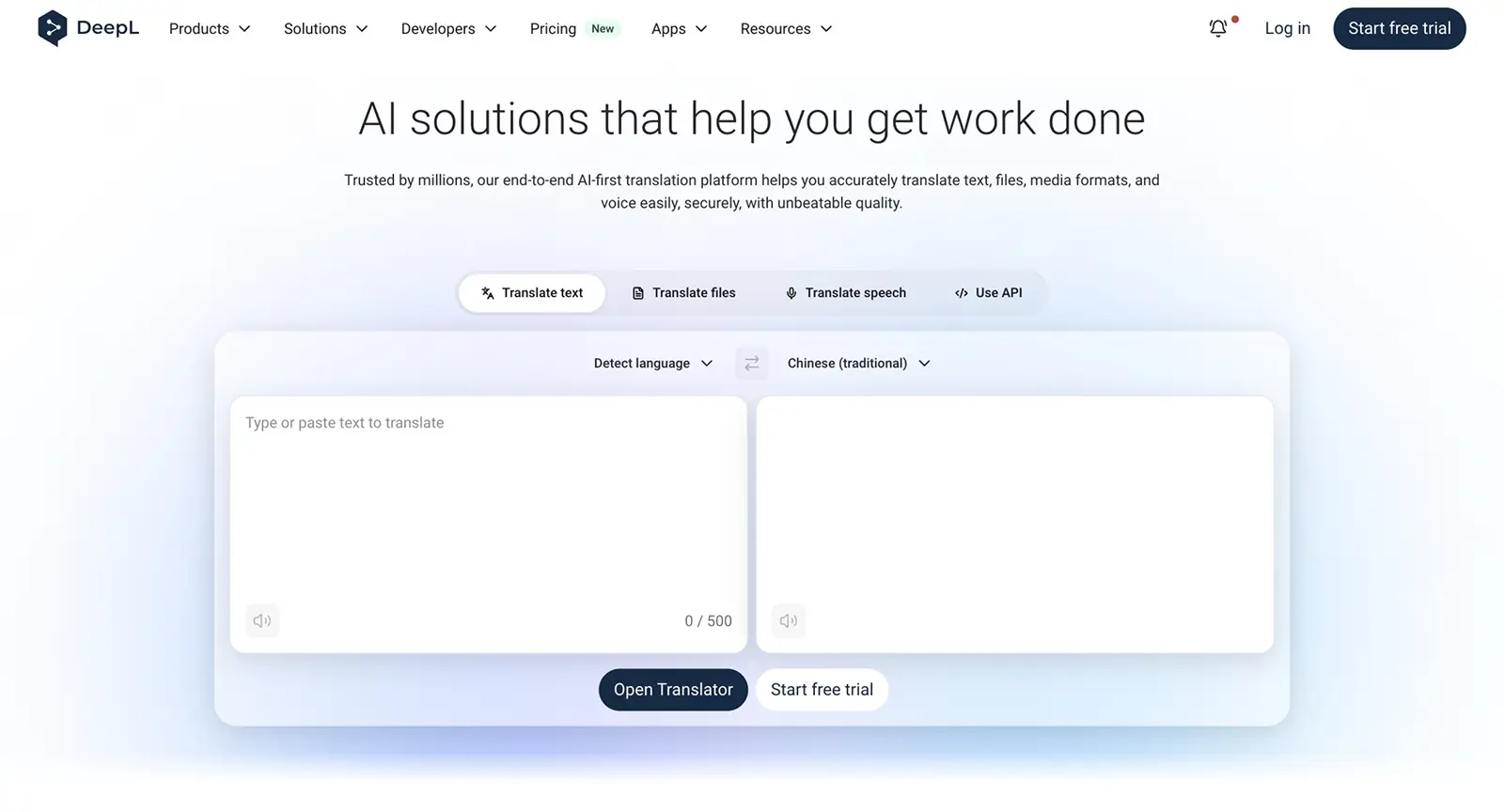
DeepL's defining strengths include:
- European language quality: DeepL excels in translating 30+ European languages with nuance, consistently outperforming competitors in blind tests.
- Document translation: Supports Word, PowerPoint, and PDFs with preserved formatting - often described as "pixel-perfect."
- Business features: The glossary feature, style rules, formality control, and translation memories help maintain consistent terminology across translation projects.
- Privacy: DeepL Pro encrypts translations in transit and doesn't store data, with full GDPR compliance for confidential material handling.
What Is Google Translate?
Google Translate is Google's long-standing machine translation service - the most widely used translation tool in the world, offering free access to an enormous range of languages through web, mobile, and API interfaces.
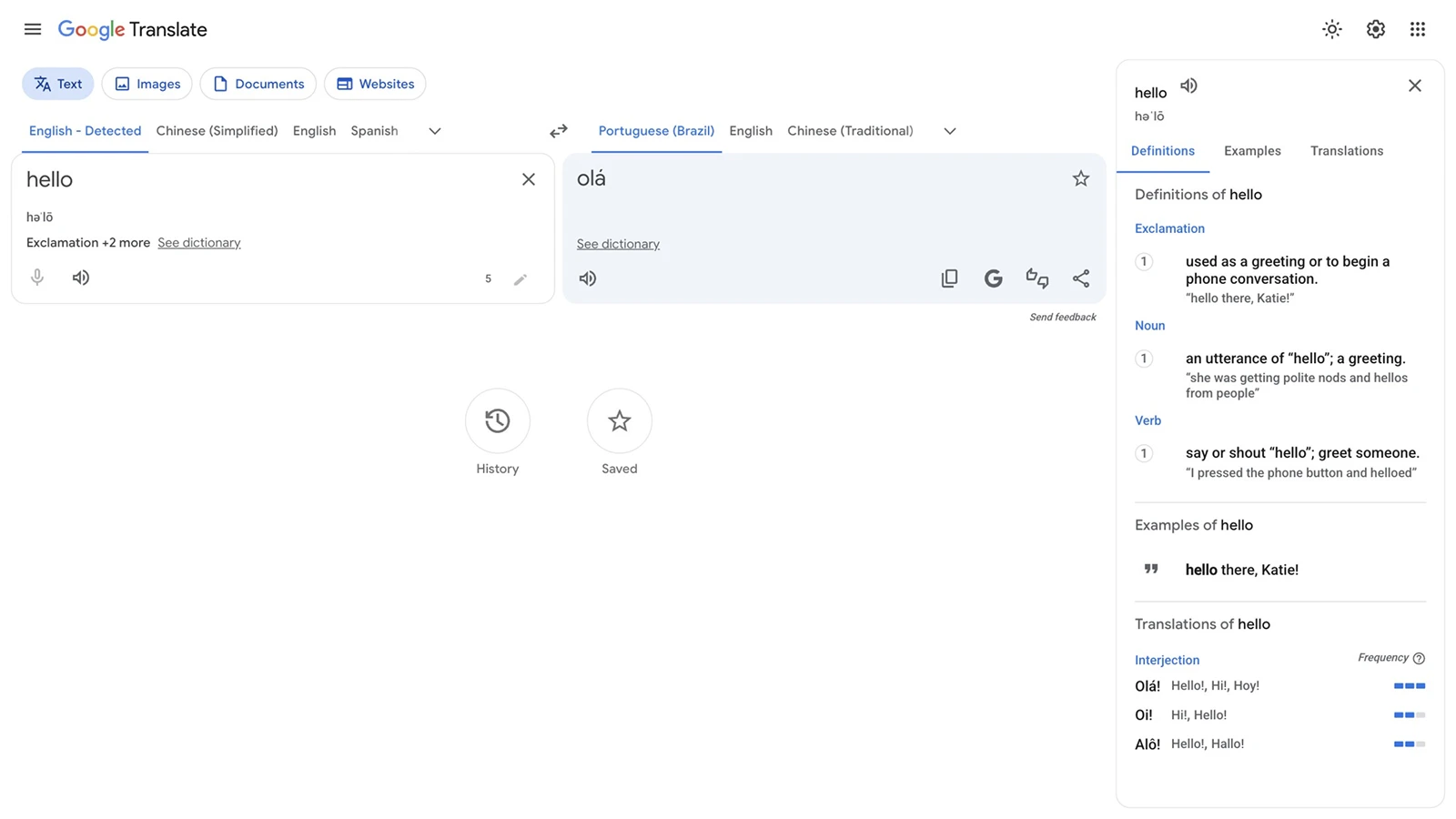
Its defining strengths include:
- Massive language support: Google Translate supports over 249 languages as of 2026, including less common languages like Swahili and Hindi.
- Accessibility: Built into Chrome, Android, and Google's ecosystem, with camera translation, voice input, handwriting input, and real time conversation translation.
- Free consumer access: No monthly cap for casual use across the web interface, mobile apps, and browser extensions.
- Mobile features: Google Translate features camera translation and voice translation, offline translation for approximately 59 languages, and conversation mode for around 70.
DeepL vs Google Translate: How They Compare at a Glance
| Factor | DeepL | Google Translate |
|---|---|---|
| Best for | Professional, business, and European language translation | Broad multilingual needs, casual use, travel |
| Languages supported | 100+ languages (30+ fully supported with advanced features) | 249 languages and dialects |
| Translation quality | Higher accuracy and naturalness, especially for European languages | Good for common languages, more variable for others |
| Free plan | Limited free tier (restricted documents, glossary entries) | Free with no monthly cap for consumer use |
| API pricing | ~$25 per million characters | ~$20 per million characters |
| Key strength | Quality, document fidelity, privacy | Language coverage, mobile features, integrations |
The headline takeaway: DeepL wins on quality and professional features; Google Translate wins on coverage, accessibility, and cost - your priority between these determines the right choice.
Translation Quality and Accuracy
Translation accuracy is the single most important factor for anyone using machine translation tools for professional work. Errors in translation can change meaning, damage credibility, and require expensive post-editing by human translators or professional translators.
The head-to-head data is clear. In blind tests conducted in March 2026, DeepL won 100% of the 16 language pairs tested against Google Translate, GPT-5.2, Gemini 3.1 Pro, Claude Opus 4.6, and Microsoft Translator - evaluated by human linguists for fluency, accuracy, and context understanding. In a separate analysis, DeepL produced 10 translation errors vs Google's 25 errors across comparable test sets.
The gap is especially pronounced for European languages. For English-to-German verb structures, one study found DeepL achieved approximately 91.5% accuracy compared to roughly 57.4% for Google Translate - a massive difference for anyone working with technical documents or business documents in German. For Spanish-to-English idiomatic expressions, DeepL scored around 88% accuracy versus Google's 79%.
DeepL's accuracy is attributed to its training on human-translated texts, which helps it avoid the literal translation tendencies that still affect Google's outputs. DeepL's translations are often rated more natural and accurate by both academic researchers and professional users. An academic study among EFL learners found 58.1% considered DeepL more accurate and 68.8% found it more natural than Google Translate.
That said, Google Translate has improved due to advances in neural machine translation and Gemini-powered enhancements. For some high-resource language pairs, the gap has narrowed. And for non-European languages - such as English-Indonesian - studies show differences are smaller, with Google sometimes matching or edging ahead.
Winner: DeepL - DeepL is generally considered more accurate for European languages and delivers more accurate translations for professional, academic, and business content. Google Translate remains acceptable and is improving, but its outputs tend to be more literal and less refined for nuanced text.
Language Coverage and Support
Language coverage matters significantly if you translate content across many different languages, work with rare or low-resource languages, or need features like offline or camera translation for specific regions.
The numbers tell the story. Google Translate supports over 249 languages as of 2026 - everything from widely spoken languages like Mandarin, Arabic, and Spanish to less common languages like Yoruba, Maori, and Dhivehi. Google Translate covers an extraordinary range that no competitor matches. Unlike DeepL, Google also offers offline translation packs for approximately 59 languages, camera translation for around 94 languages, and conversation mode for about 70.
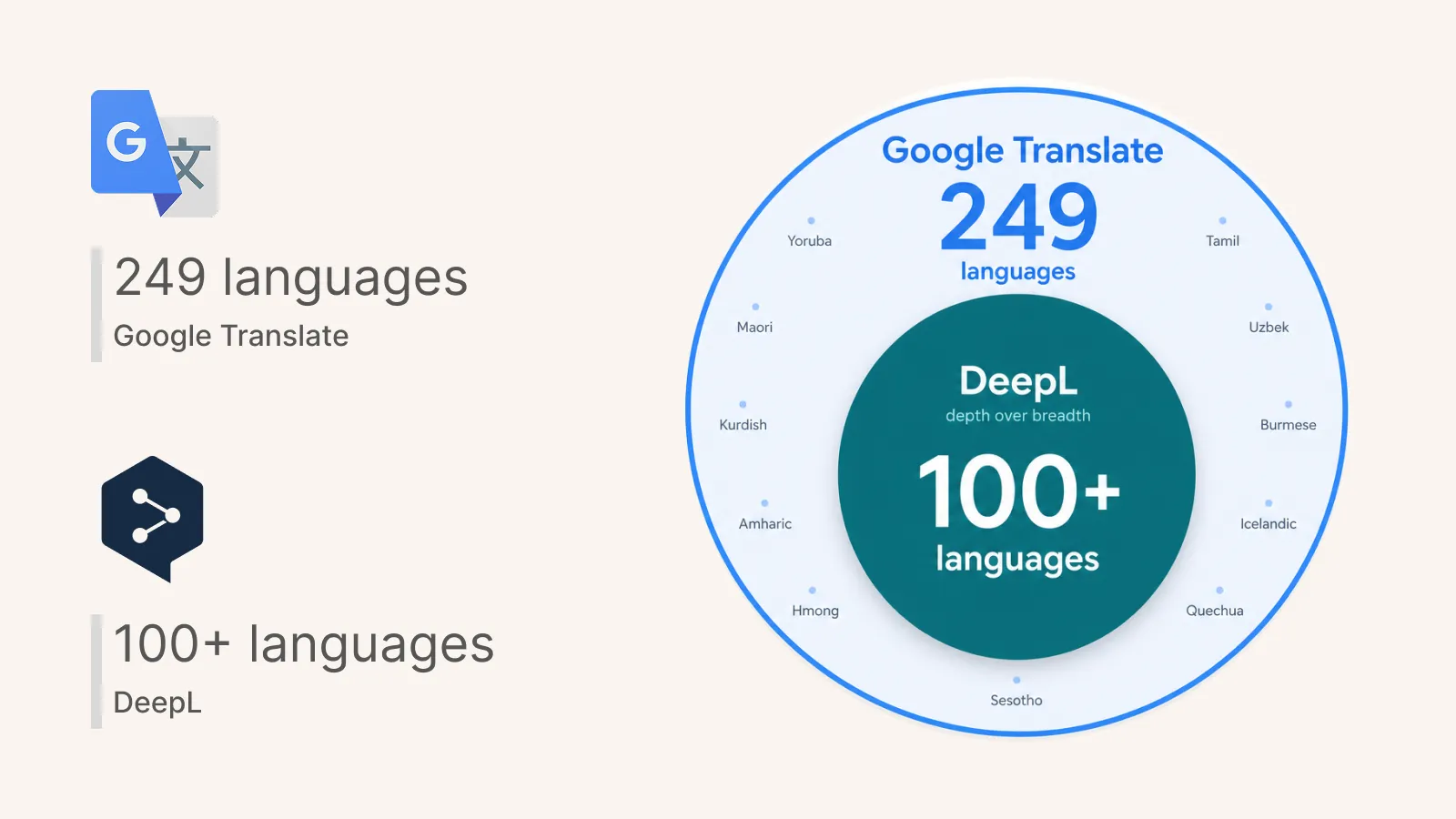
DeepL supports 100+ languages in document translation and over 30 fully supported languages with advanced features like glossaries, style rules, and voice translation, focusing on European and select Asian languages. DeepL supports around 30 to 40 major languages at full feature depth, with newer additions - like Arabic, regional German variants, and Canadian French - still in beta as of mid-2026. Some beta languages lack full document translation or glossary support.
Google Translate is a better choice for rare or less common language pairs. If you need to translate text between, say, Uzbek and Tamil, Google is your only realistic option among these two. DeepL's strength is depth over breadth - fewer languages, but more refined outputs for the ones it fully supports.
Winner: Google Translate - Google Translate supports far more languages and offers broader feature coverage (offline, camera, conversation) across those languages. DeepL covers fewer languages but provides deeper quality and more advanced customization for its supported set.
Pricing and Value
Cost becomes a decisive factor when you're translating at volume - whether through API integrations, regular document translation, or team-wide usage for translation projects.
Free tiers:
- DeepL offers a free plan for limited translations, with restrictions on document count, file size, and glossary entries. The free API plan (500,000 characters/month) is no longer widely available for new sign-ups.
- Google Translate's free tier allows 500,000 characters monthly through the Google Cloud Translation API, with unlimited free consumer use through the web version and mobile apps.
Paid API pricing:
- DeepL charges $25 per million characters after the free tier, with a base fee of approximately $5.49/month for the DeepL API Pro plan.
- Google Translate charges $20 per million characters after the free tier for standard NMT translation.
Real-world cost comparison (based on volume analysis):
| Monthly volume | Google Cloud Translation | DeepL API |
|---|---|---|
| 1 million characters | ~$10 | ~$51 |
| 5 million characters | ~$90 | ~$151 |
| 10 million characters | ~$190 | ~$276 |
DeepL's higher cost per million characters is the trade-off for better translation quality. For teams where reducing post-editing time by professional translators justifies the premium, DeepL can actually save money in the full workflow. For high-volume, general translation across many languages, Google's pricing advantage adds up quickly.
Winner: Google Translate - Google offers a more generous free tier and lower per-character API costs, making it the better value for high-volume or budget-conscious users. DeepL's premium is justified when translation quality directly impacts business outcomes.
Features and Integrations
The features each platform offers shape how useful they are in daily workflows - from document handling to mobile convenience to developer integrations.
DeepL's feature set:
- Document translation for Word (.docx), PowerPoint (.pptx), Excel (.xlsx), PDF, and text files - with formatting preserved. Pro users can handle files up to 100 MB.
- DeepL offers a desktop app with keyboard shortcuts for convenience, making it easy to translate content without switching to a browser.
- Glossary feature for consistent terminology across projects, style rules for tone and formality control, and translation memories for enterprise use.
- DeepL API with REST endpoints, CAT tool plugins, and admin controls for team management.
- Voice translation with high quality scores (rated ~96.4 in Slator evaluations).
Google Translate's feature set:
- Google Translate is suited for instant translation while traveling, with offline translation and voice input available on mobile.
- Camera translation (instant visual translation of foreign text) for approximately 94 languages, conversation mode for around 70 languages, and handwriting recognition for about 96.
- Google Translate supports translation of entire web pages via URL - useful for website translation and quick research.
- Google Translate integrates well with mobile applications and services, including Chrome browser, Google Docs, and Android.
- Google Translate's API supports glossaries and batch document translation through Cloud Translation Advanced.
Key differences:
DeepL is stronger for document fidelity, style control, and professional workflow integration. Its glossary and style rules - available for languages including German, English, Spanish, French, Italian, Japanese, Korean, and Chinese - give teams more control over brand voice and consistent terminology than Google currently offers.
Google wins on mobile convenience, offline capability, and ecosystem integration. For users who need to quickly scan a menu with their camera, have a real time conversation translation with someone speaking a different language, or translate text offline in a remote location, Google's feature breadth is unmatched. Unlike DeepL, Google provides robust offline and camera features across dozens of languages.
Winner: Tie - depends on use case. DeepL wins for professional document workflows, glossary management, and style control. Google Translate wins for mobile, offline, camera, and conversation features. Choose based on whether your priority is document quality or everyday convenience.
DeepL vs Google Translate: Which Should You Choose?
- Choose DeepL if you work primarily with European language pairs, need more accurate translations for business documents or marketing campaigns, require document translation with preserved formatting, want glossary and style control for consistent terminology, or handle confidential material that demands strong privacy (DeepL complies with GDPR for confidential material handling). DeepL is often preferred for professional or nuanced texts, and DeepL tends to perform better for business and professional writing.
- Choose Google Translate if you need broad language coverage across 249 languages, want free access for casual or travel use, rely on mobile features like camera translation, offline packs, or conversation mode, work with rare or less common languages, or need to keep API costs low at high volumes. Google's free version may log user data, unlike its paid API - so consider the Google Cloud Translation API for privacy-sensitive work.
- Consider MixTranslate if you want to compare outputs from multiple machine translation engines and 20+ other AI models - to find the best result for each specific language pair and content type, with tone control and privacy protections.
For the strongest all-around recommendation: if your translation needs center on common languages and quality matters more than breadth, DeepL delivers noticeably better results. If you need to translate across many different languages or prioritize mobile convenience and free access, Google Translate is the practical choice. The right tool depends entirely on your priorities - and for many users, using both strategically is the best approach.
Frequently Asked Questions
Which is more accurate, DeepL or Google Translate?
DeepL is generally more accurate for European languages and professional content. In blind tests, DeepL won all 16 tested language pairs against Google Translate. For certain language pairs - like English-German - the accuracy gap is substantial. However, for less common languages or very high-resource pairs where Google has extensive training data, the difference narrows. Google Translate depends heavily on the language pair and domain.
Can I use DeepL or Google Translate for business translations?
Yes, both offer business-grade options. DeepL's Pro and Enterprise plans include glossaries, style control, translation memories, and strong privacy protections - making it well-suited for translating technical documents, legal text, and medical translation content with less post-editing. Google Cloud Translation API offers strict privacy with no data storage and supports custom models and batch processing. DeepL typically produces output that needs less revision by human translators for European languages. Microsoft Translator offers enterprise-level security for paid tiers and integrates seamlessly with Microsoft Office 365 and Teams, making it another option worth considering.
Which translator works offline?
Google Translate offers offline translation for approximately 59 languages through downloadable language packs on its mobile apps - useful for travel or areas with limited connectivity. DeepL's offline support is more limited; document translation and most features require an internet connection. For offline quick translations, Google is the clear winner.
Do DeepL and Google Translate store my data?
DeepL Pro encrypts translations in transit and doesn't store data, with SOC-2, ISO-27001, and GDPR compliance. The free version may retain content for service improvement. Google's free version may log user data, unlike its paid API - Google Cloud Translation API offers strict privacy with no data storage. For sensitive or confidential content, paid tiers of either service (or alternatives with strong privacy policies) are recommended.
Is there a translator that combines the best of both?
Tools like MixTranslate let you compare outputs from 20+ AI models across 150+ languages. You can evaluate translation quality side by side, control tone and terminology, extract text from images, and get quality metrics, all with free credits to start. This approach is especially useful when comparing different AI translation models for a specific language pair or content type before committing to one platform.